 PPTCompress
Per picture, not one size for all
A background photo that fills a whole slide needs many more pixels than a small icon. Applying one setting to both either blurs the photo or wastes space on the icon. PPTCompress reads each picture's box on the slide, including any crop and any group it sits in, and works out what that specific placement needs.
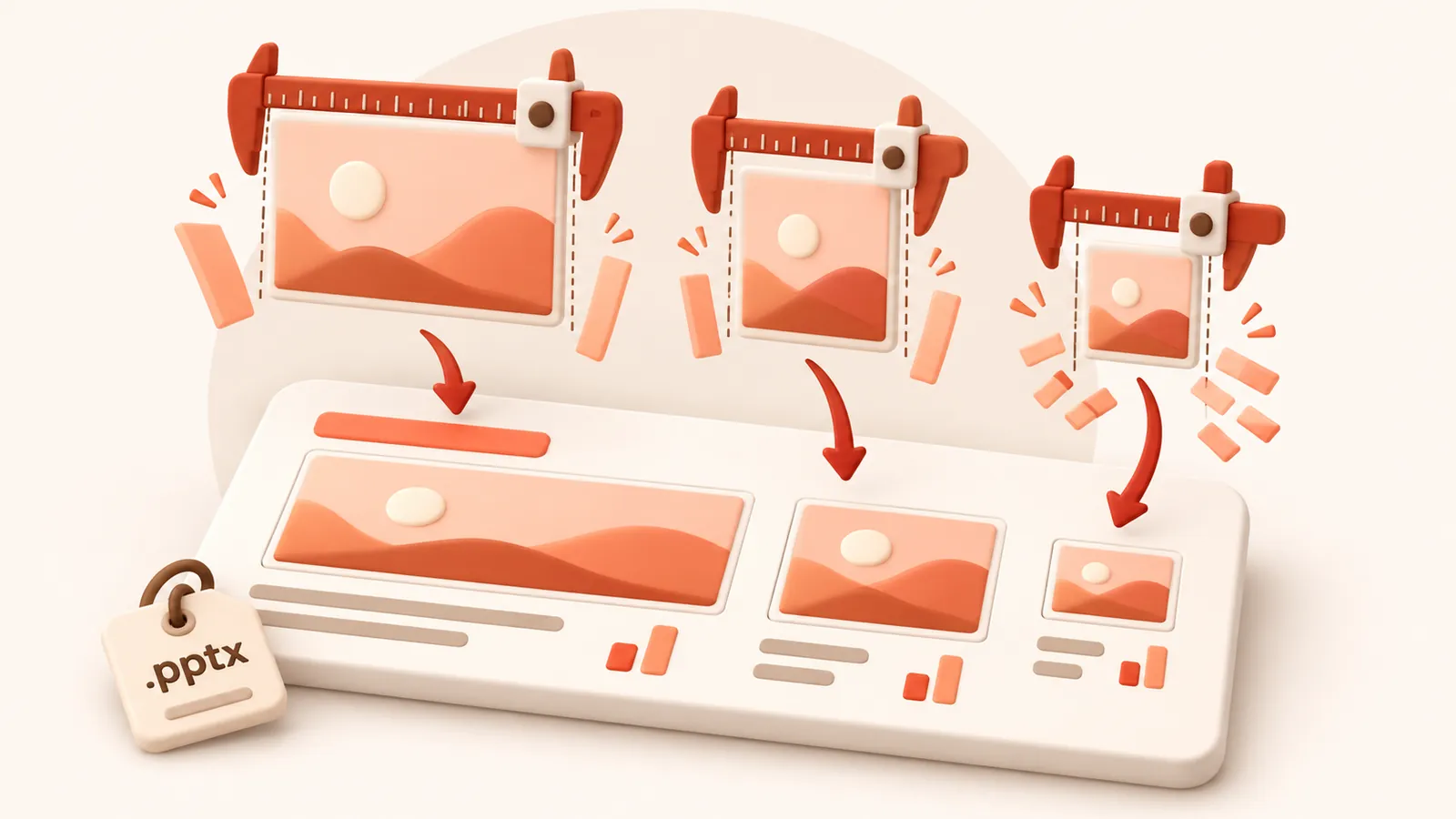
When the same picture appears on several slides at different sizes, it keeps the resolution of its largest appearance, so it never looks worse anywhere.
Check before you commit
After analysis, open the picture list to see each picture's size, effective DPI and what it will become. Click any picture to compare before and after side by side, and untick anything you want left exactly as it is.
| Preset | Image resolution | JPEG quality | Good for |
|---|---|---|---|
| 120 DPI | 72 | Attachments, sharing, viewing on screen | |
| Balanced | 150 DPI | 80 | Most files. Sharp on any laptop or projector |
| 220 DPI | 88 | Office printing and handouts | |
| Archive | 300 DPI | 92 | Keeping a high quality master that is still smaller |
Resolution and quality can also be set by hand under Advanced.
Image formats
Each picture is saved as JPEG or PNG, whichever is smaller for that picture, and transparency is kept. Under Advanced you can tell it to never change a picture's format, or allow WebP for even smaller files (WebP needs PowerPoint 2021 or Microsoft 365).
Domande frequenti
È gratuito?
Sì. Nessun account, nessuna filigrana e nessuna registrazione richiesta.
Cosa succede ai miei file?
Vengono elaborati sul nostro server ed eliminati entro 60 minuti insieme alla copia compressa. Non conserviamo né visualizziamo i tuoi file. Il tuo file originale sul computer non viene toccato.
Qual è la dimensione massima consentita?
Fino a 30 MB free / 95 MB paid per file.
Il file può diventare più grande?
No. Se il file compresso non risulta più piccolo, vieni informato e mantieni semplicemente l'originale.