 PPTCompress
Why Markdown
Markdown is plain text with a few marks for structure: # for headings,
- for list items, | for table columns. Language models read it well, it
diffs cleanly in Git, and every notes app from Obsidian to Notion imports it. Turning a document
into Markdown strips away layout and keeps what the words say.
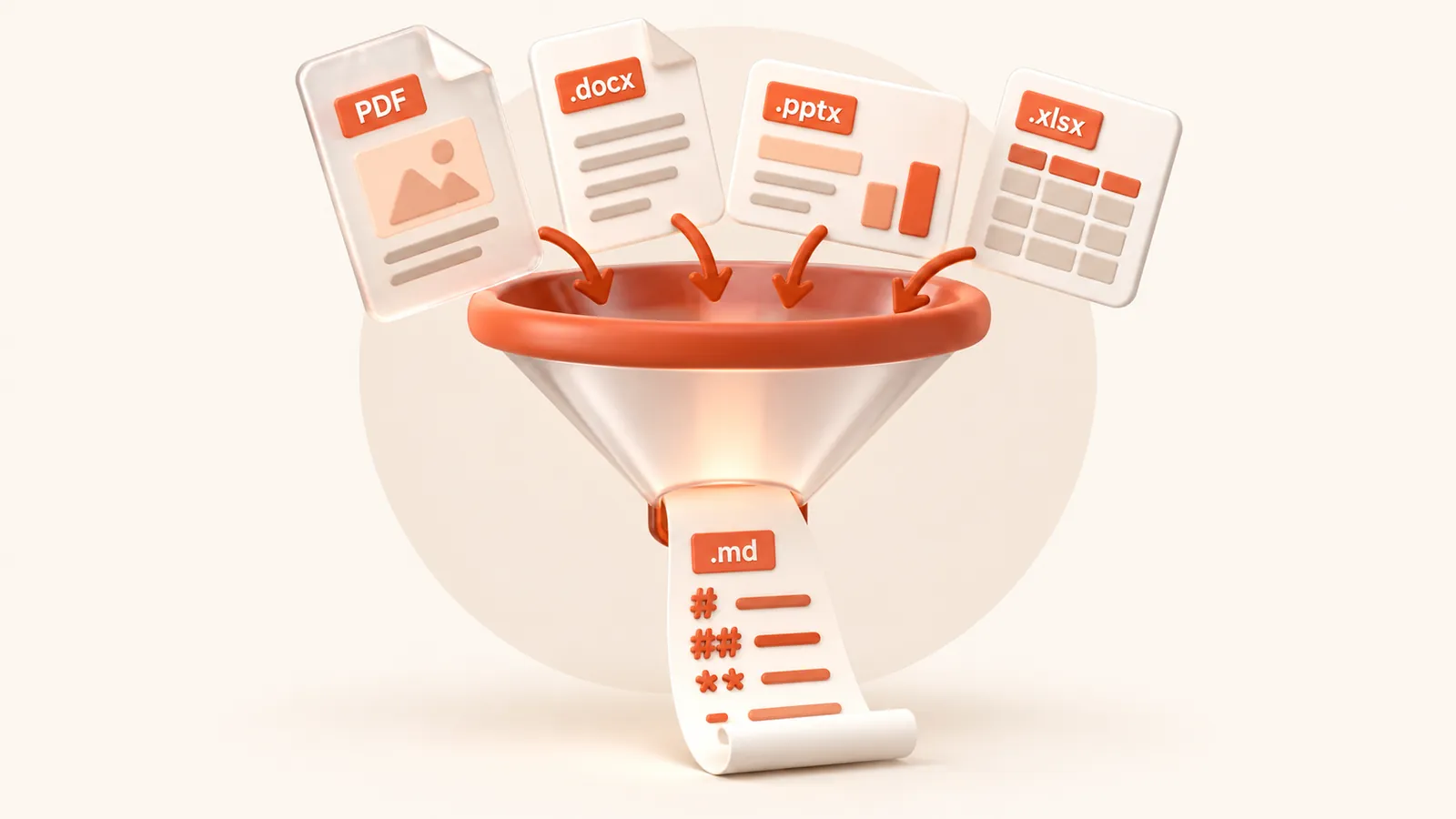
Pick your format
- PDF to Markdown: text page by page, with headings and tables detected
- DOCX to Markdown: Word headings, lists, bold, italics and tables
- DOC to Markdown: old Word 97-2003 files, paragraphs and tables
- PPTX to Markdown: one section per slide, bullets, tables and speaker notes
- PPT to Markdown: old PowerPoint 97-2003 decks, slide titles and text
- XLSX to Markdown: every worksheet as a Markdown table
- XLS to Markdown: old Excel 97-2003 workbooks as tables
The tool above accepts all of them; these pages explain what each format gives you.
What Markdown leaves out
Layout, fonts, colours and pictures do not survive the trip, by design. If a document is mostly images, such as a scanned contract or a photo-heavy deck, there is little text to extract. To make such a file smaller instead, use the compressor.
What happens to your file
The file is converted on our server and deleted as soon as the Markdown is returned to your browser. We keep no copy of the file or the text. Files up to 30 MB are accepted. See the privacy policy.
Questions
What is the difference between .md and Markdown?
None. .md is the usual file extension for Markdown files. You can copy the text or download it as a .md file.
Which Markdown flavour do I get?
GitHub Flavored Markdown, which adds tables to the original syntax. It renders on GitHub, GitLab, Obsidian, Notion and most editors.
Is it free?
Yes. Converting to Markdown is free and needs no account. Files up to 30 MB, with a fair-use limit of 30 files an hour per visitor.
Does it convert scanned documents?
No. The converter reads the text stored in the file. A scan or photo of a page has no text layer, so run OCR on it first.
Are images included?
No. The Markdown contains the text, headings, lists and tables. Pictures, charts and drawings are left out.