 PPTCompress
Per picture, not one size for all
A background photo that fills a whole slide needs many more pixels than a small icon. Applying one setting to both either blurs the photo or wastes space on the icon. PPTCompress reads each picture's box on the slide, including any crop and any group it sits in, and works out what that specific placement needs.
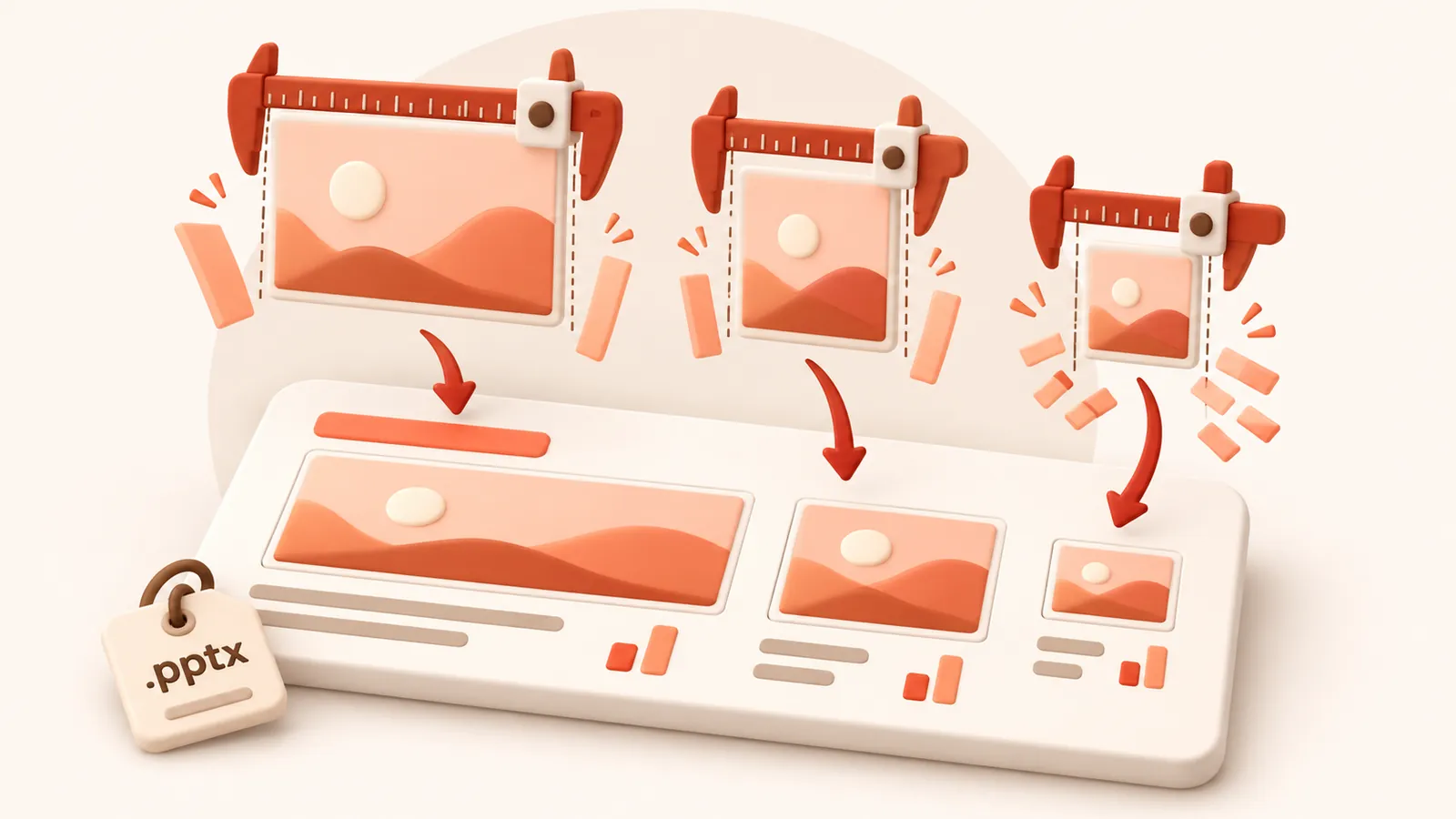
When the same picture appears on several slides at different sizes, it keeps the resolution of its largest appearance, so it never looks worse anywhere.
Check before you commit
After analysis, open the picture list to see each picture's size, effective DPI and what it will become. Click any picture to compare before and after side by side, and untick anything you want left exactly as it is.
| Preset | Image resolution | JPEG quality | Good for |
|---|---|---|---|
| 120 DPI | 72 | Attachments, sharing, viewing on screen | |
| Balanced | 150 DPI | 80 | Most files. Sharp on any laptop or projector |
| 220 DPI | 88 | Office printing and handouts | |
| Archive | 300 DPI | 92 | Keeping a high quality master that is still smaller |
Resolution and quality can also be set by hand under Advanced.
Image formats
Each picture is saved as JPEG or PNG, whichever is smaller for that picture, and transparency is kept. Under Advanced you can tell it to never change a picture's format, or allow WebP for even smaller files (WebP needs PowerPoint 2021 or Microsoft 365).
よくある質問
無料で使えますか?
はい。アカウント登録や透かし(ウォーターマーク)は一切なく、完全無料です。
ファイルは安全に扱われますか?
サーバーで圧縮処理された後、60 分以内に圧縮ファイルと共に完全に消去されます。第三者に共有されたり保管されることはありません。PC内の元ファイルもそのまま残ります。
アップロードできるファイルサイズの上限は?
1ファイルあたり最大 30 MB free / 95 MB paid です。
ファイルサイズが元より大きくなることはありますか?
ありません。圧縮結果が元より小さくならない場合は通知され、元ファイルのまま保持できます。