 PPTCompress
Get a PDF under the attachment limit
- Upload the PDF above.
- Choose the Email preset (120 DPI). It is made for files that are read on screen.
- Check the estimated size. If it is still too large, lower the resolution under Advanced to around 96 DPI.
- Compress, download and attach.
Common attachment limits
| Service | Attachment limit |
|---|---|
| Gmail | 25 MB |
| Outlook.com | 20 MB |
| Many company mail servers | often 10 MB or less |
Email encoding adds about a third to the size of an attachment on the way, which is why a file a little under the limit can still bounce. Aim comfortably below it.
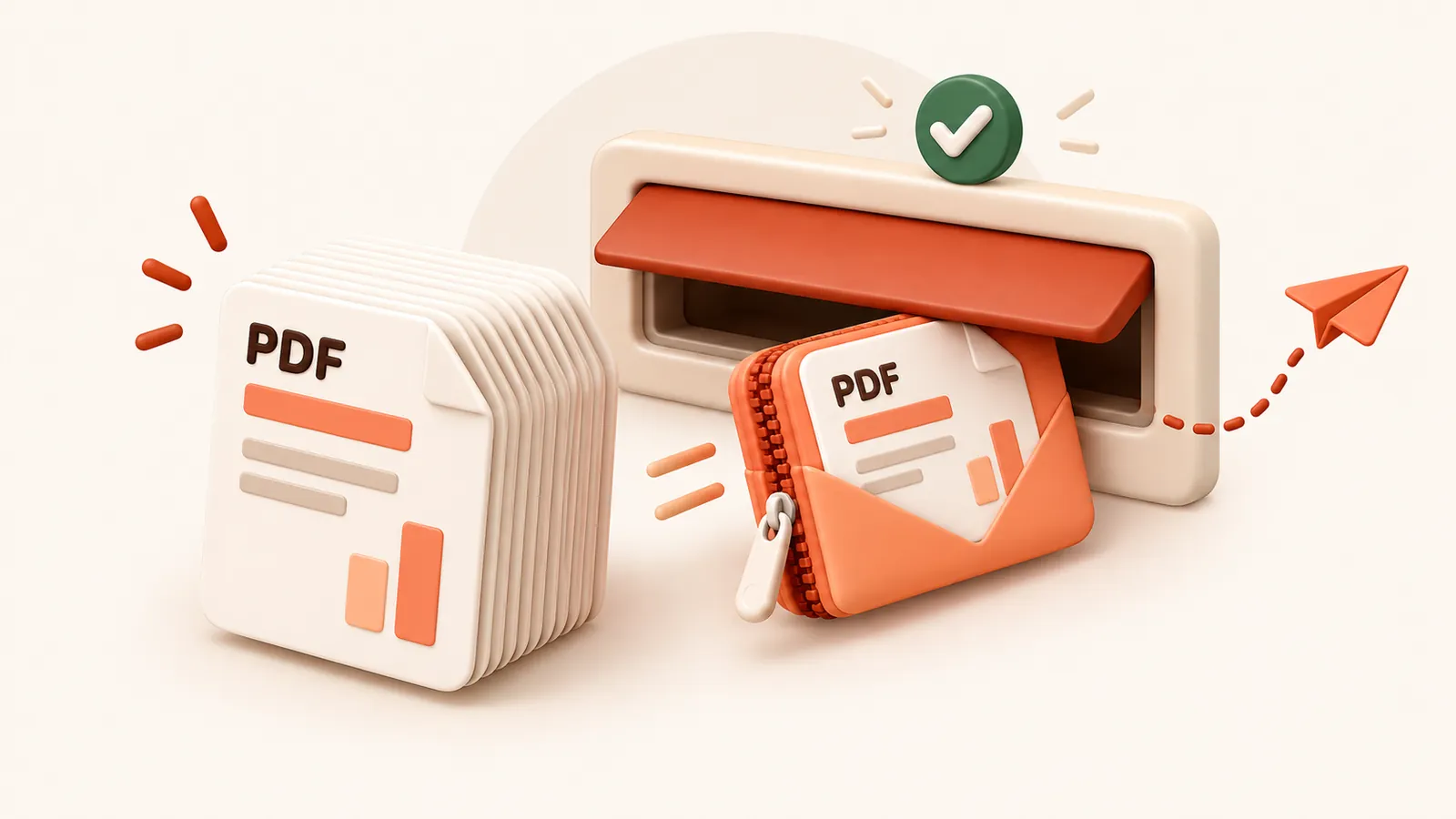
If the PDF is mostly text it may already be close to as small as it can get.
In that case consider a file sharing link instead of an attachment.
よくある質問
無料で使えますか?
はい。アカウント登録や透かし(ウォーターマーク)は一切なく、完全無料です。
ファイルは安全に扱われますか?
サーバーで圧縮処理された後、60 分以内に圧縮ファイルと共に完全に消去されます。第三者に共有されたり保管されることはありません。PC内の元ファイルもそのまま残ります。
アップロードできるファイルサイズの上限は?
1ファイルあたり最大 30 MB free / 95 MB paid です。
ファイルサイズが元より大きくなることはありますか?
ありません。圧縮結果が元より小さくならない場合は通知され、元ファイルのまま保持できます。