 PPTCompress
Per picture, not one size for all
A background photo that fills a whole slide needs many more pixels than a small icon. Applying one setting to both either blurs the photo or wastes space on the icon. PPTCompress reads each picture's box on the slide, including any crop and any group it sits in, and works out what that specific placement needs.
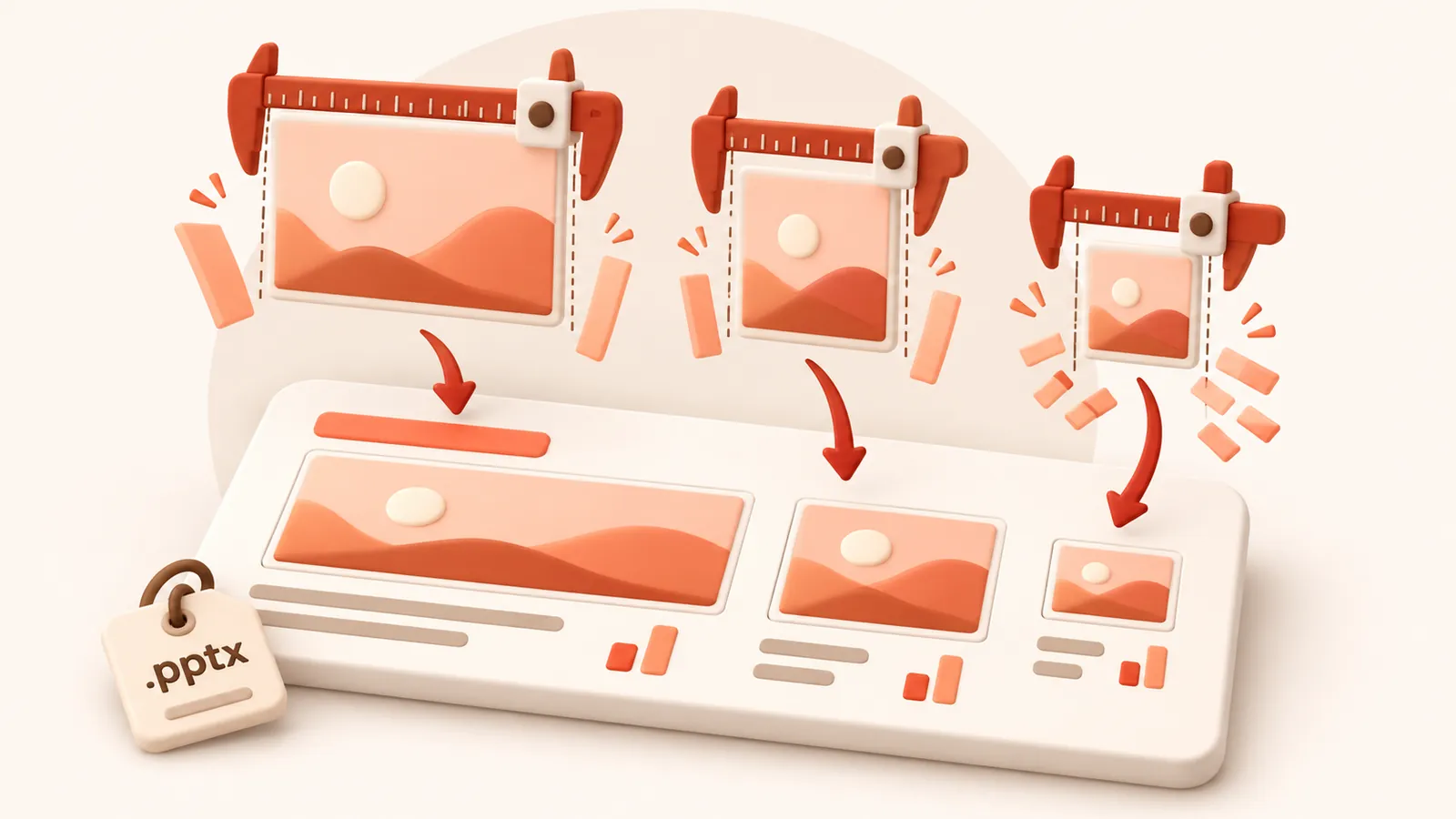
When the same picture appears on several slides at different sizes, it keeps the resolution of its largest appearance, so it never looks worse anywhere.
Check before you commit
After analysis, open the picture list to see each picture's size, effective DPI and what it will become. Click any picture to compare before and after side by side, and untick anything you want left exactly as it is.
| Preset | Image resolution | JPEG quality | Good for |
|---|---|---|---|
| 120 DPI | 72 | Attachments, sharing, viewing on screen | |
| Balanced | 150 DPI | 80 | Most files. Sharp on any laptop or projector |
| 220 DPI | 88 | Office printing and handouts | |
| Archive | 300 DPI | 92 | Keeping a high quality master that is still smaller |
Resolution and quality can also be set by hand under Advanced.
Image formats
Each picture is saved as JPEG or PNG, whichever is smaller for that picture, and transparency is kept. Under Advanced you can tell it to never change a picture's format, or allow WebP for even smaller files (WebP needs PowerPoint 2021 or Microsoft 365).
자주 묻는 질문
무료인가요?
네. 회원가입이나 워터마크 없이 완전 무료입니다.
업로드된 파일은 안전한가요?
서버에서 압축 처리된 후 60분 이내에 압축본과 함께 영구 삭제됩니다. 파일을 저장하거나 다른 용도로 사용하지 않습니다. 사용자 PC의 원본 파일은 그대로 유지됩니다.
최대 파일 크기는 얼마인가요?
파일당 최대 30 MB free / 95 MB paid까지 지원합니다.
파일 용량이 더 커질 수도 있나요?
아닙니다. 압축 결과가 더 작아지지 않으면 안내 메시지가 표시되며 원본 파일이 그대로 유지됩니다.