 PPTCompress
Get a PDF under the attachment limit
- Upload the PDF above.
- Choose the Email preset (120 DPI). It is made for files that are read on screen.
- Check the estimated size. If it is still too large, lower the resolution under Advanced to around 96 DPI.
- Compress, download and attach.
Common attachment limits
| Service | Attachment limit |
|---|---|
| Gmail | 25 MB |
| Outlook.com | 20 MB |
| Many company mail servers | often 10 MB or less |
Email encoding adds about a third to the size of an attachment on the way, which is why a file a little under the limit can still bounce. Aim comfortably below it.
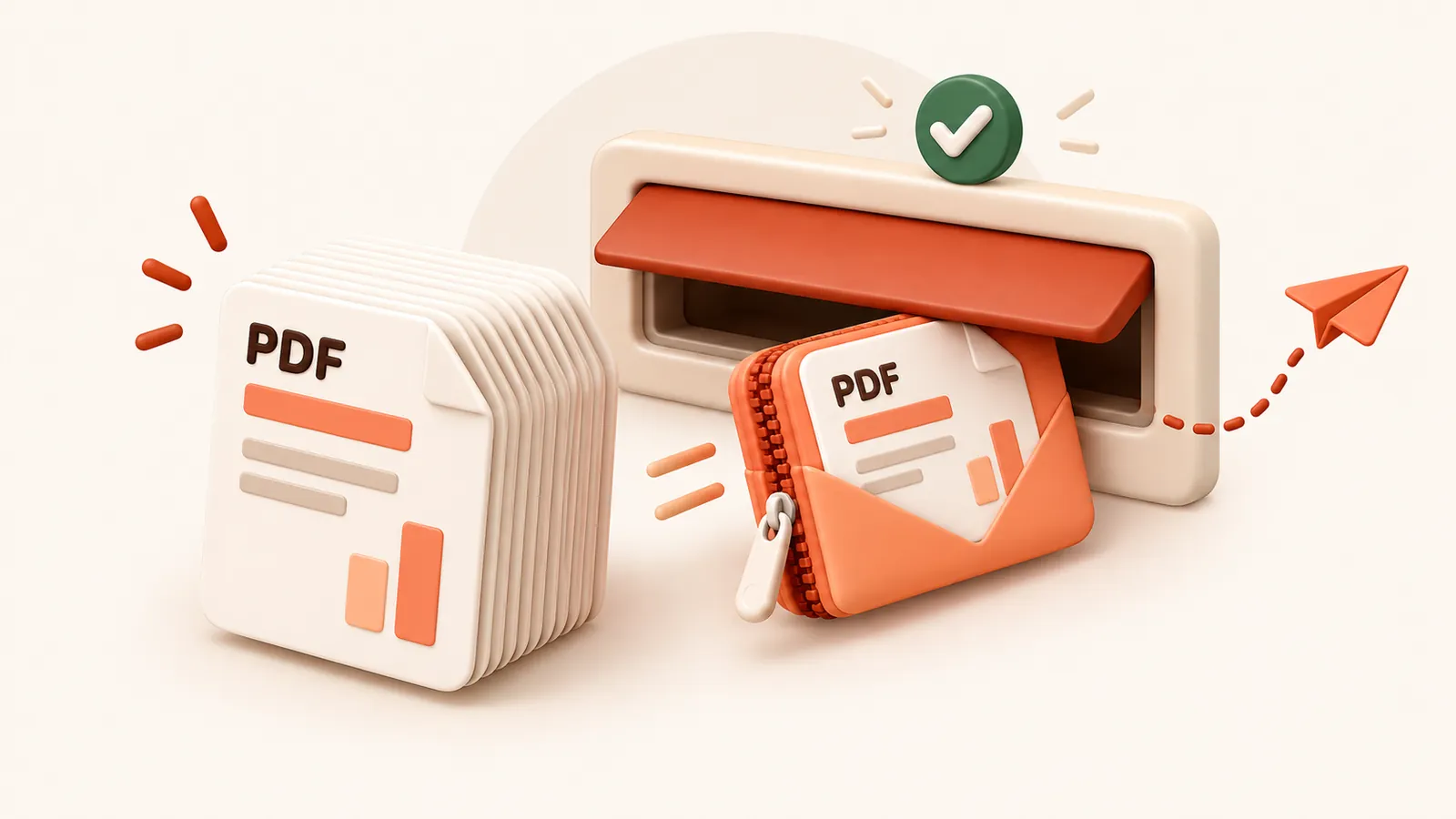
If the PDF is mostly text it may already be close to as small as it can get.
In that case consider a file sharing link instead of an attachment.
자주 묻는 질문
무료인가요?
네. 회원가입이나 워터마크 없이 완전 무료입니다.
업로드된 파일은 안전한가요?
서버에서 압축 처리된 후 60분 이내에 압축본과 함께 영구 삭제됩니다. 파일을 저장하거나 다른 용도로 사용하지 않습니다. 사용자 PC의 원본 파일은 그대로 유지됩니다.
최대 파일 크기는 얼마인가요?
파일당 최대 30 MB free / 95 MB paid까지 지원합니다.
파일 용량이 더 커질 수도 있나요?
아닙니다. 압축 결과가 더 작아지지 않으면 안내 메시지가 표시되며 원본 파일이 그대로 유지됩니다.