 PPTCompress
Per picture, not one size for all
A background photo that fills a whole slide needs many more pixels than a small icon. Applying one setting to both either blurs the photo or wastes space on the icon. PPTCompress reads each picture's box on the slide, including any crop and any group it sits in, and works out what that specific placement needs.
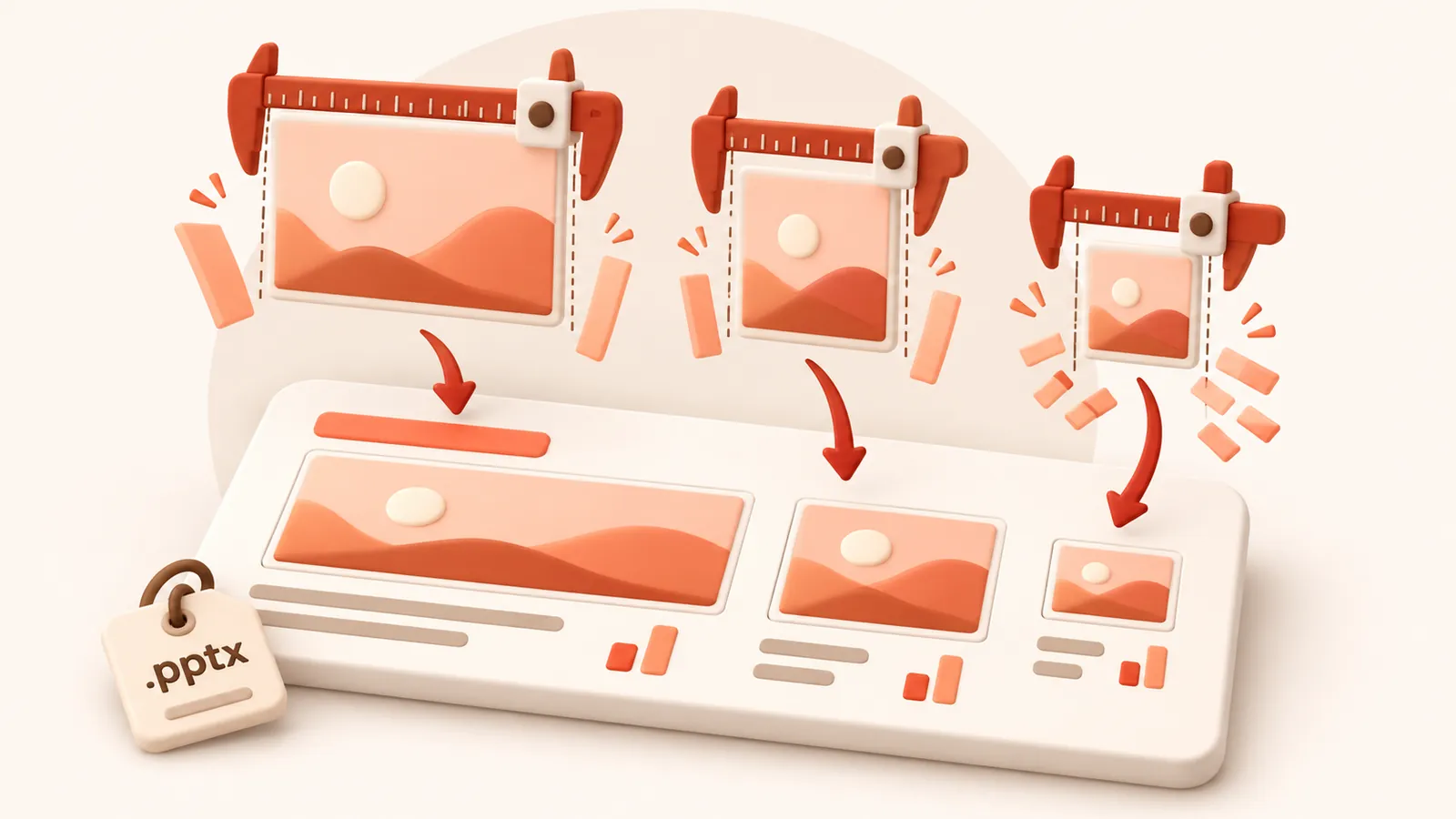
When the same picture appears on several slides at different sizes, it keeps the resolution of its largest appearance, so it never looks worse anywhere.
Check before you commit
After analysis, open the picture list to see each picture's size, effective DPI and what it will become. Click any picture to compare before and after side by side, and untick anything you want left exactly as it is.
| Preset | Image resolution | JPEG quality | Good for |
|---|---|---|---|
| 120 DPI | 72 | Attachments, sharing, viewing on screen | |
| Balanced | 150 DPI | 80 | Most files. Sharp on any laptop or projector |
| 220 DPI | 88 | Office printing and handouts | |
| Archive | 300 DPI | 92 | Keeping a high quality master that is still smaller |
Resolution and quality can also be set by hand under Advanced.
Image formats
Each picture is saved as JPEG or PNG, whichever is smaller for that picture, and transparency is kept. Under Advanced you can tell it to never change a picture's format, or allow WebP for even smaller files (WebP needs PowerPoint 2021 or Microsoft 365).
常见问题
这是免费的吗?
是的。无需登录注册,无任何水印,完全免费。
上传的文件安全吗?
文件在服务器处理完成后,将在 60 分钟内连同压缩副本一并彻底删除。我们绝不查看、保存或使用您的文件。您本地电脑上的原文件完全不受影响。
单文件最大支持多大?
单个文件最大支持 30 MB free / 95 MB paid。
文件压缩后体积会变大吗?
绝不会。如果压缩结果无法比原文件更小,系统会明确提示您,您可以直接保留原文件。