 PPTCompress
Get a PDF under the attachment limit
- Upload the PDF above.
- Choose the Email preset (120 DPI). It is made for files that are read on screen.
- Check the estimated size. If it is still too large, lower the resolution under Advanced to around 96 DPI.
- Compress, download and attach.
Common attachment limits
| Service | Attachment limit |
|---|---|
| Gmail | 25 MB |
| Outlook.com | 20 MB |
| Many company mail servers | often 10 MB or less |
Email encoding adds about a third to the size of an attachment on the way, which is why a file a little under the limit can still bounce. Aim comfortably below it.
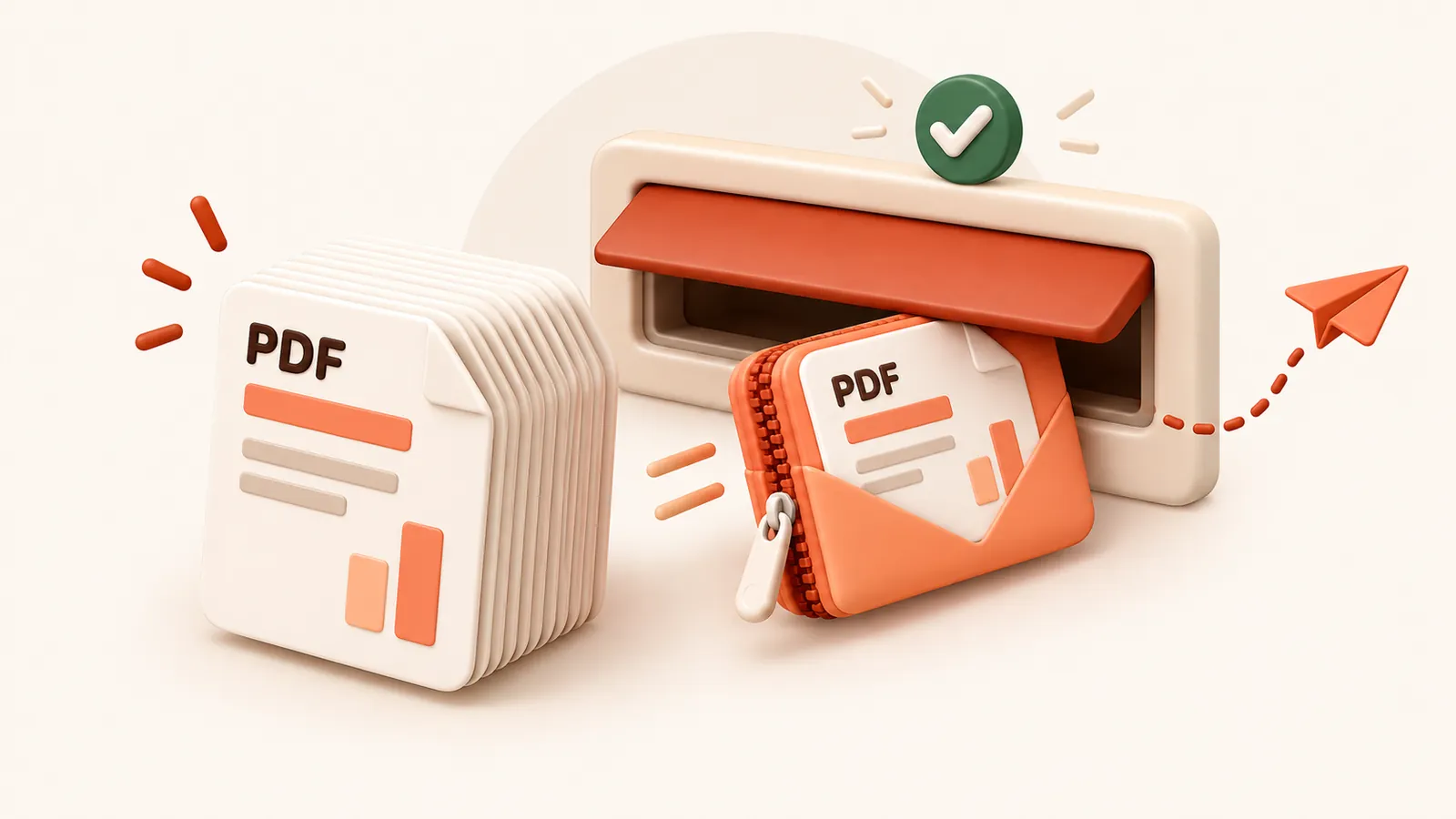
If the PDF is mostly text it may already be close to as small as it can get.
In that case consider a file sharing link instead of an attachment.
常见问题
这是免费的吗?
是的。无需登录注册,无任何水印,完全免费。
上传的文件安全吗?
文件在服务器处理完成后,将在 60 分钟内连同压缩副本一并彻底删除。我们绝不查看、保存或使用您的文件。您本地电脑上的原文件完全不受影响。
单文件最大支持多大?
单个文件最大支持 30 MB free / 95 MB paid。
文件压缩后体积会变大吗?
绝不会。如果压缩结果无法比原文件更小,系统会明确提示您,您可以直接保留原文件。