 PPTCompress
Per picture, not one size for all
A background photo that fills a whole slide needs many more pixels than a small icon. Applying one setting to both either blurs the photo or wastes space on the icon. PPTCompress reads each picture's box on the slide, including any crop and any group it sits in, and works out what that specific placement needs.
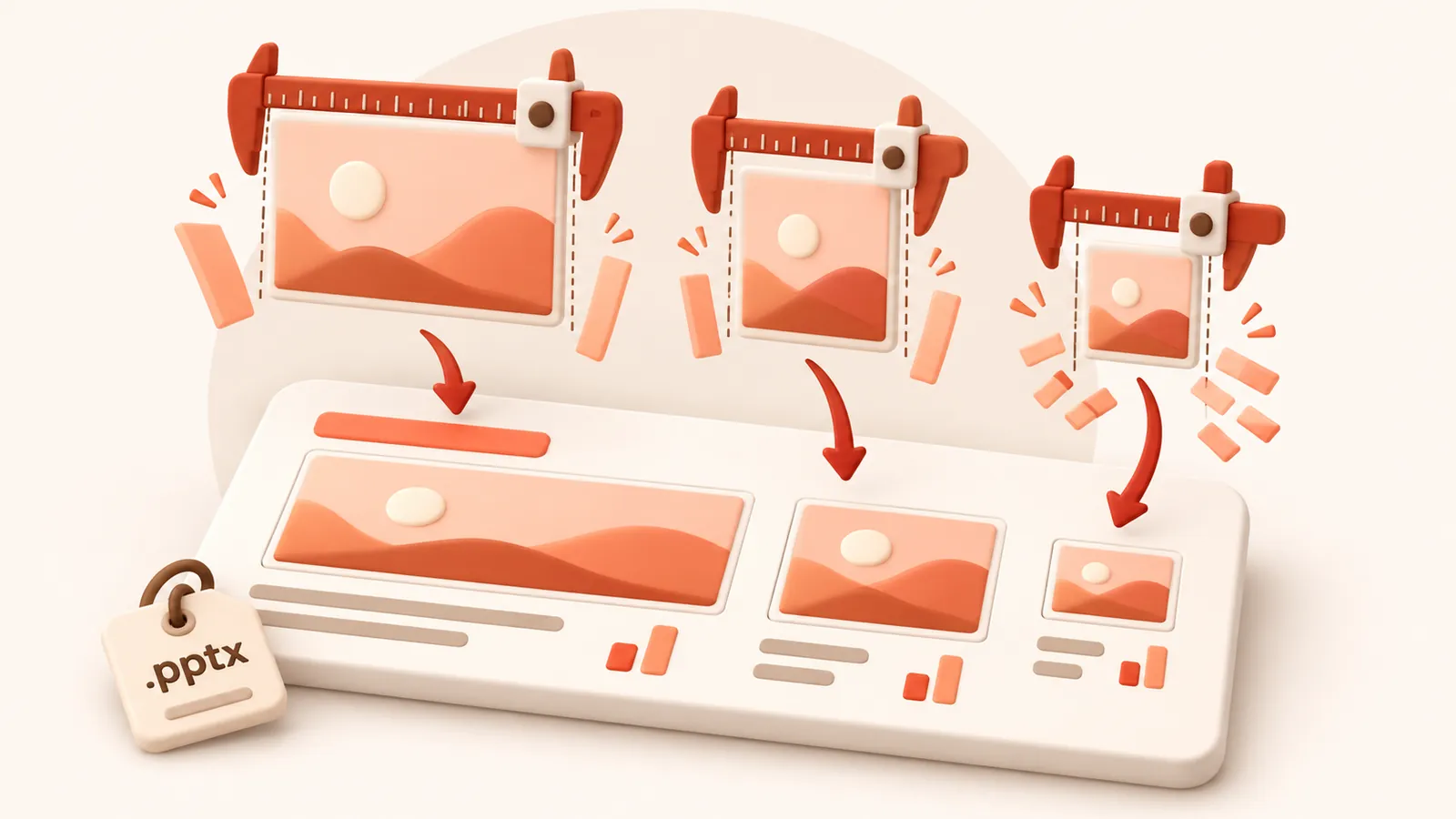
When the same picture appears on several slides at different sizes, it keeps the resolution of its largest appearance, so it never looks worse anywhere.
Check before you commit
After analysis, open the picture list to see each picture's size, effective DPI and what it will become. Click any picture to compare before and after side by side, and untick anything you want left exactly as it is.
| Preset | Image resolution | JPEG quality | Good for |
|---|---|---|---|
| 120 DPI | 72 | Attachments, sharing, viewing on screen | |
| Balanced | 150 DPI | 80 | Most files. Sharp on any laptop or projector |
| 220 DPI | 88 | Office printing and handouts | |
| Archive | 300 DPI | 92 | Keeping a high quality master that is still smaller |
Resolution and quality can also be set by hand under Advanced.
Image formats
Each picture is saved as JPEG or PNG, whichever is smaller for that picture, and transparency is kept. Under Advanced you can tell it to never change a picture's format, or allow WebP for even smaller files (WebP needs PowerPoint 2021 or Microsoft 365).
Häufige Fragen
Ist der Dienst kostenlos?
Ja. Kein Benutzerkonto, kein Wasserzeichen und keine Registrierung.
Was geschieht mit meinen Dateien?
Sie werden auf unserem Server verarbeitet und innerhalb von 60 Minuten samt der komprimierten Kopie gelöscht. Wir speichern oder nutzen sie für nichts anderes. Ihre Originaldatei auf dem Rechner bleibt unverändert.
Wie groß darf eine Datei sein?
Bis zu 30 MB free / 95 MB paid pro Datei.
Kann die Datei jemals größer werden?
Nein. Sollte das komprimierte Ergebnis nicht kleiner sein, werden Sie informiert und behalten Ihr Original.