 PPTCompress
Get a PDF under the attachment limit
- Upload the PDF above.
- Choose the Email preset (120 DPI). It is made for files that are read on screen.
- Check the estimated size. If it is still too large, lower the resolution under Advanced to around 96 DPI.
- Compress, download and attach.
Common attachment limits
| Service | Attachment limit |
|---|---|
| Gmail | 25 MB |
| Outlook.com | 20 MB |
| Many company mail servers | often 10 MB or less |
Email encoding adds about a third to the size of an attachment on the way, which is why a file a little under the limit can still bounce. Aim comfortably below it.
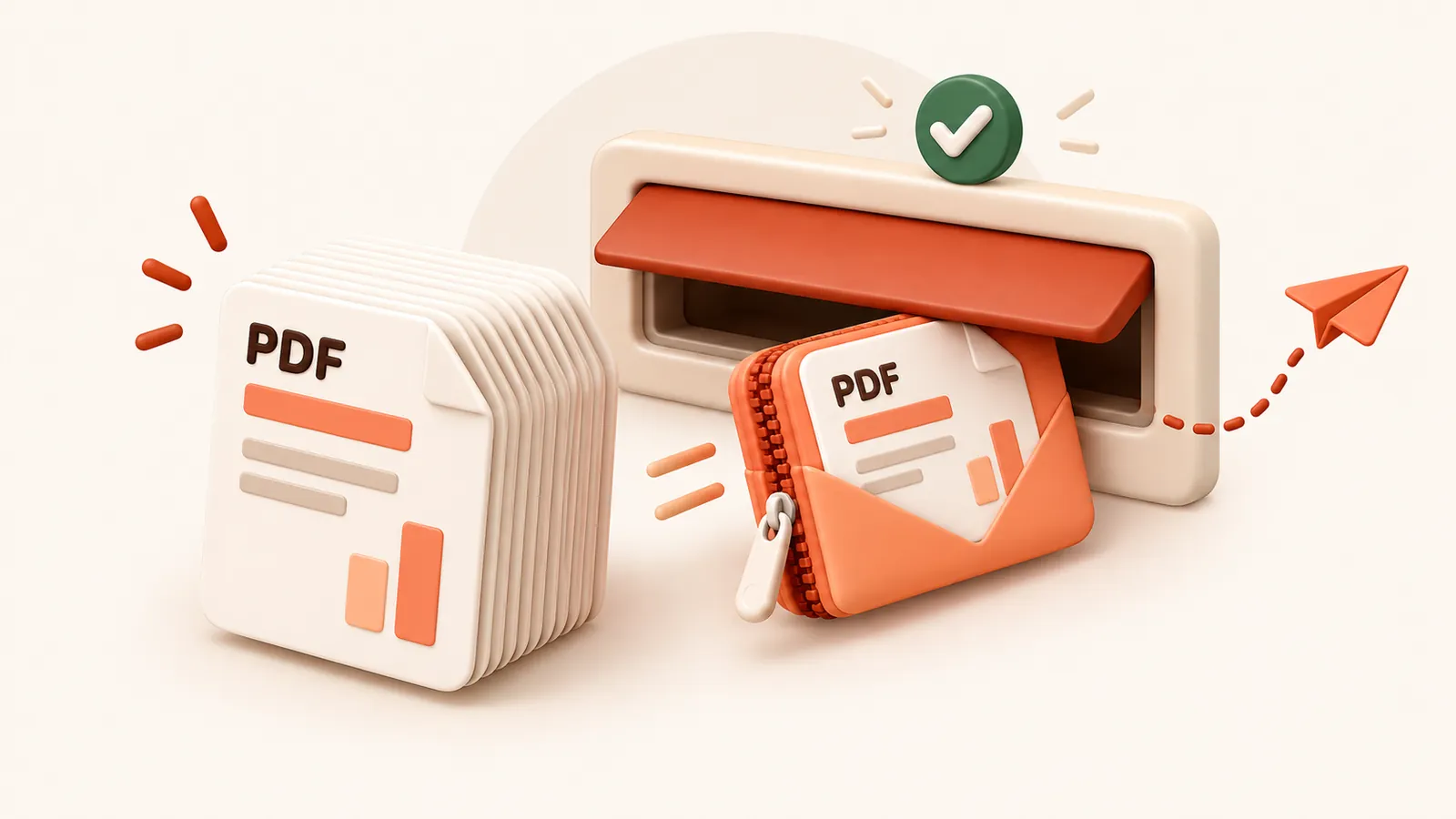
If the PDF is mostly text it may already be close to as small as it can get.
In that case consider a file sharing link instead of an attachment.
Häufige Fragen
Ist der Dienst kostenlos?
Ja. Kein Benutzerkonto, kein Wasserzeichen und keine Registrierung.
Was geschieht mit meinen Dateien?
Sie werden auf unserem Server verarbeitet und innerhalb von 60 Minuten samt der komprimierten Kopie gelöscht. Wir speichern oder nutzen sie für nichts anderes. Ihre Originaldatei auf dem Rechner bleibt unverändert.
Wie groß darf eine Datei sein?
Bis zu 30 MB free / 95 MB paid pro Datei.
Kann die Datei jemals größer werden?
Nein. Sollte das komprimierte Ergebnis nicht kleiner sein, werden Sie informiert und behalten Ihr Original.