 PPTCompress
Why Word documents get so large
When you paste camera photos, high-resolution scans, or high-DPI screenshots into Microsoft Word, the document stores all the original megabytes even if the images are scaled down on the page.
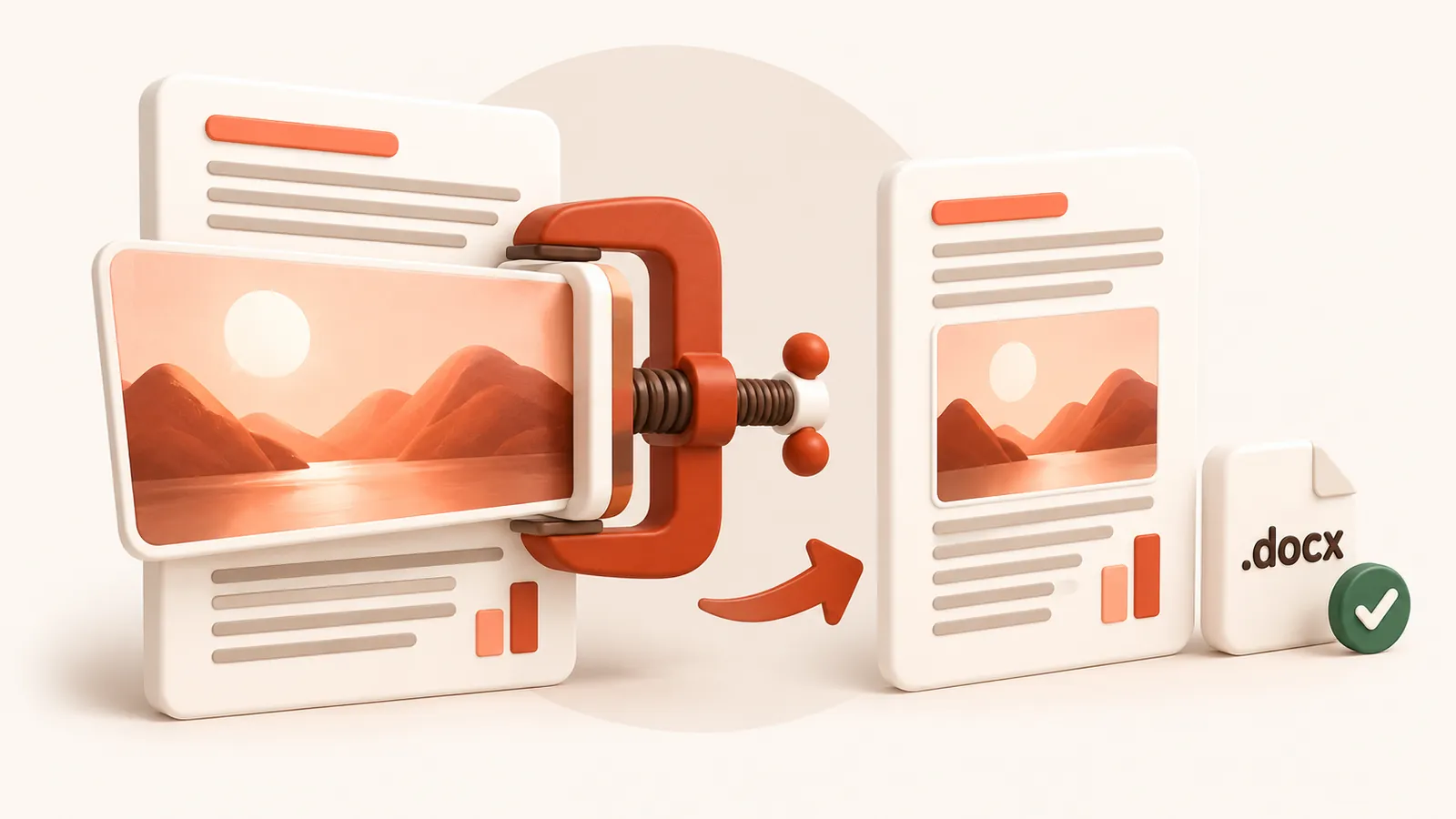
PPTCompress opens the .docx archive, measures how each image is displayed on the page, and resizes photos to your chosen DPI.
Text and layout stay sharp
Text, tables, headers, footers, and vector drawings are not altered. Only the embedded pictures are recompressed, keeping your document looking crisp when viewed or printed.
Note: older binary .doc files from Word 97–2003 are not supported directly. Please open them in Word or LibreOffice and save as .docx first.
| Preset | Image resolution | JPEG quality | Good for |
|---|---|---|---|
| 120 DPI | 72 | Attachments, sharing, viewing on screen | |
| Balanced | 150 DPI | 80 | Most files. Sharp on any laptop or projector |
| 220 DPI | 88 | Office printing and handouts | |
| Archive | 300 DPI | 92 | Keeping a high quality master that is still smaller |
Resolution and quality can also be set by hand under Advanced.
Questions
Why is my Word document so large?
Embedded photos and screenshots retain their full original resolution even when resized on the page. Compressing reduces them to match the page dimensions.
Can I compress older .doc files?
No. Binary .doc files are not supported. Save your document as a modern .docx file first.
Will my document formatting or text change?
No. Only embedded image streams are resized. Layouts, tables, fonts, text, and styles are untouched.
Is it free?
Yes. There is no account, no watermark and no sign up.
What happens to my files?
They are processed on our server and deleted within 60 minutes, along with the compressed copy. We do not look at them, keep them, or use them for anything else. Your original on your own computer is never changed; you download a new file.
How large a file can I upload?
Up to 30 MB free / 95 MB paid per file.
Will the file ever get bigger?
No. If the compressed result would not be smaller, you are told and you simply keep your original.