 PPTCompress
The hidden presentation storage trap
Modern professionals, educators, and students accumulate dozens of PowerPoint presentations and PDF reports every quarter. Because presentations frequently carry high-resolution photos, client logos, and vector illustrations, an average deck easily weighs between 40 MB and 120 MB.
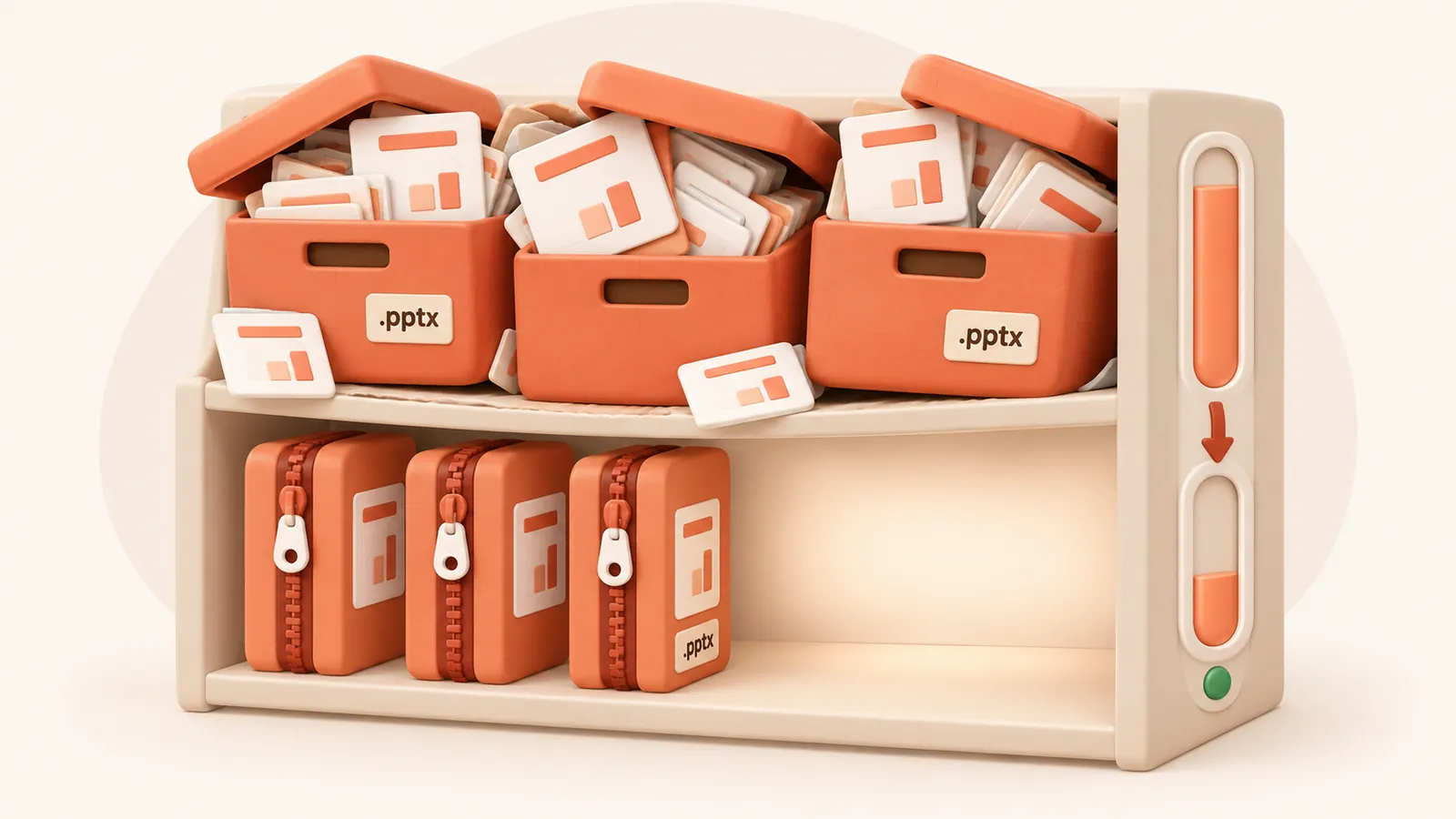
Combined with version sprawl (e.g. deck_v1.pptx, deck_v2.pptx, deck_final.pptx), a single project folder can consume 5 GB to 20 GB of storage. Soon, you receive warnings that your laptop SSD is full, or that your OneDrive, Google Drive, or iCloud quota has been exceeded.
How much storage can you actually reclaim?
Presentations are uniquely compressible because embedded images are often oversized by 500% to 1000%. By sizing images to their true slide bounding box, presentations routinely shrink by 70% to 85%.
| Deck Collection | Original Size | Compressed (Balanced 150 DPI) | Reclaimed Space |
|---|---|---|---|
| 10 Client Decks | 850 MB | 145 MB | ~705 MB (83%) |
| 25 Training Modules | 2.4 GB | 420 MB | ~1.98 GB (82%) |
| 50 Archived Presentations | 5.1 GB | 890 MB | ~4.21 GB (82%) |
Storage preservation best practices
- Active working files: Use the Balanced (150 DPI) preset. It delivers sharp on-screen quality with minimum file weight.
- Archival & Master copies: Use the Archive (300 DPI) preset. This maintains print-grade resolution for master collateral while still trimming unnecessary container overhead.
- Replace heavy versions: After verifying your compressed download, replace bulky legacy versions to immediately free up local disk space and cloud sync quota.
Questions
How much disk space can I save by compressing presentations?
On average, presentations shrink by 70% to 85%. A 5 GB folder of slide decks can typically be reduced down to under 1 GB.
Will reducing file size free up Google Drive or OneDrive quota?
Yes. Cloud providers bill by exact storage bytes used. Compressing your presentations directly reduces cloud sync utilization across all connected devices.
Can I preserve high print quality while saving disk space?
Yes. Choose the 'Archive' preset (300 DPI, 92 JPEG quality). It preserves maximum sharpness while still pruning invisible and duplicate image data.
Does the service keep a copy of my archived files?
No. All files uploaded to {NAME} are processed in memory and completely purged from the server within {TTL} minutes.
Is it free?
Yes. There is no account, no watermark and no sign up.
What happens to my files?
They are processed on our server and deleted within 60 minutes, along with the compressed copy. We do not look at them, keep them, or use them for anything else. Your original on your own computer is never changed; you download a new file.
How large a file can I upload?
Up to 30 MB free / 95 MB paid per file.
Will the file ever get bigger?
No. If the compressed result would not be smaller, you are told and you simply keep your original.