 PPTCompress
Why email servers reject your PowerPoint file
Most corporate email servers and webmail providers (such as Outlook, Gmail, Yahoo, and Microsoft Exchange) enforce hard attachment limits of 20 MB to 25 MB. When your presentation exceeds that ceiling, the mail server rejects it with a bounce-back error.
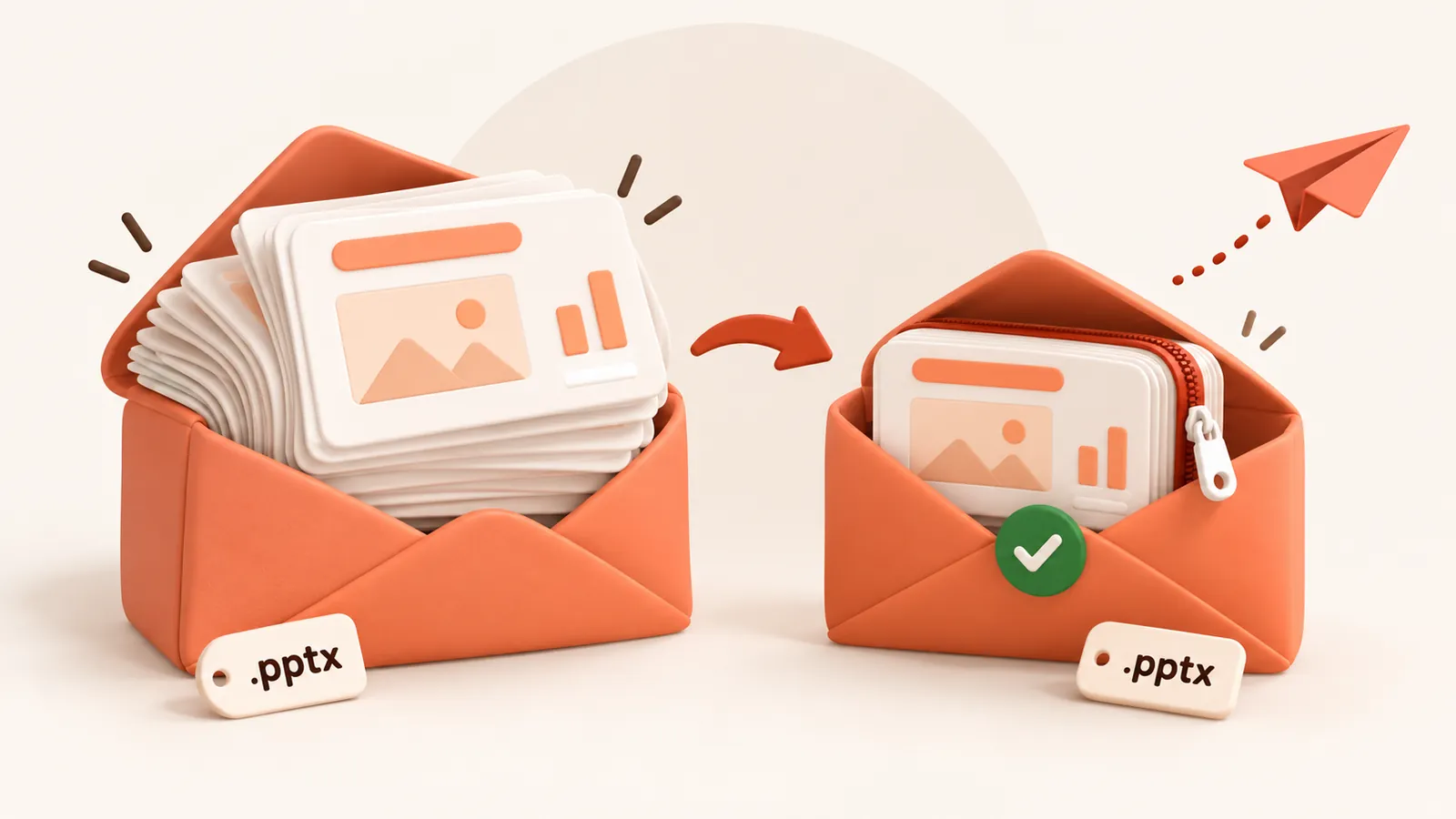
Worse, standard MIME email encoding (Base64) expands files by approximately 33% during transmission. A 19 MB presentation on your hard drive can easily balloon to over 25 MB over the wire, triggering an unexpected delivery failure.
How to get your deck under 10 MB or 25 MB
- Drop your PowerPoint file (
.pptxor.ppt) into the box above. - Select the Email preset. This targets 120 DPI, which looks crisp and sharp on laptops, tablets, and full HD monitors while cutting file size by 70% to 90%.
- Inspect the estimated file size. In seconds, you will see your deck shrink from 50 MB down to 4–8 MB.
- Click Compress and download your email-ready presentation.
Comparison of email provider attachment limits
| Email Provider | Attachment Limit | Safe File Size (Accounting for Base64) |
|---|---|---|
| Gmail | 25 MB | 18 MB |
| Outlook / Microsoft 365 | 20 MB to 25 MB | 15 MB |
| Apple iCloud Mail | 20 MB | 15 MB |
| Yahoo Mail | 25 MB | 18 MB |
| Enterprise Exchange (Default) | 10 MB to 20 MB | 7 MB to 14 MB |
Send directly without expiring cloud drive links
Sending clients or colleagues external cloud drive download links often causes permission errors, expired tokens, or corporate firewall blocks. By compressing your presentation down to a clean 5–8 MB attachment, your recipient receives the deck directly in their inbox with zero friction.
Questions
What is the maximum PowerPoint size I can send by email?
Gmail and Yahoo allow up to 25 MB; Outlook and Exchange typically allow 20 MB to 25 MB. Because email encoding adds ~33% overhead, your raw file should be under 15 MB to guarantee delivery.
Will compressing for email make my presentation look blurry?
No. The Email preset targets 120 DPI, which provides clean, sharp raster visuals on all modern laptops, iPads, and conference room projectors.
Why did my 22 MB PowerPoint bounce on Outlook?
MIME Base64 encoding inflates file size by about one-third. A 22 MB attachment expands to nearly 30 MB in email data packets, exceeding the 25 MB server ceiling.
Does it work for both modern .pptx and old .ppt files?
Yes, both formats are fully supported and compressed directly on the server.
Is it free?
Yes. There is no account, no watermark and no sign up.
What happens to my files?
They are processed on our server and deleted within 60 minutes, along with the compressed copy. We do not look at them, keep them, or use them for anything else. Your original on your own computer is never changed; you download a new file.
How large a file can I upload?
Up to 30 MB free / 95 MB paid per file.
Will the file ever get bigger?
No. If the compressed result would not be smaller, you are told and you simply keep your original.