 PPTCompress
1. Why files get so large
Modern documents and presentations—such as PowerPoint decks (.pptx), PDFs, and Word documents (.docx)—are actually containers. If you inspect their contents, text and layout structure account for less than 5% of total file size. The remaining 95% is almost entirely embedded imagery, media, and duplicate assets.
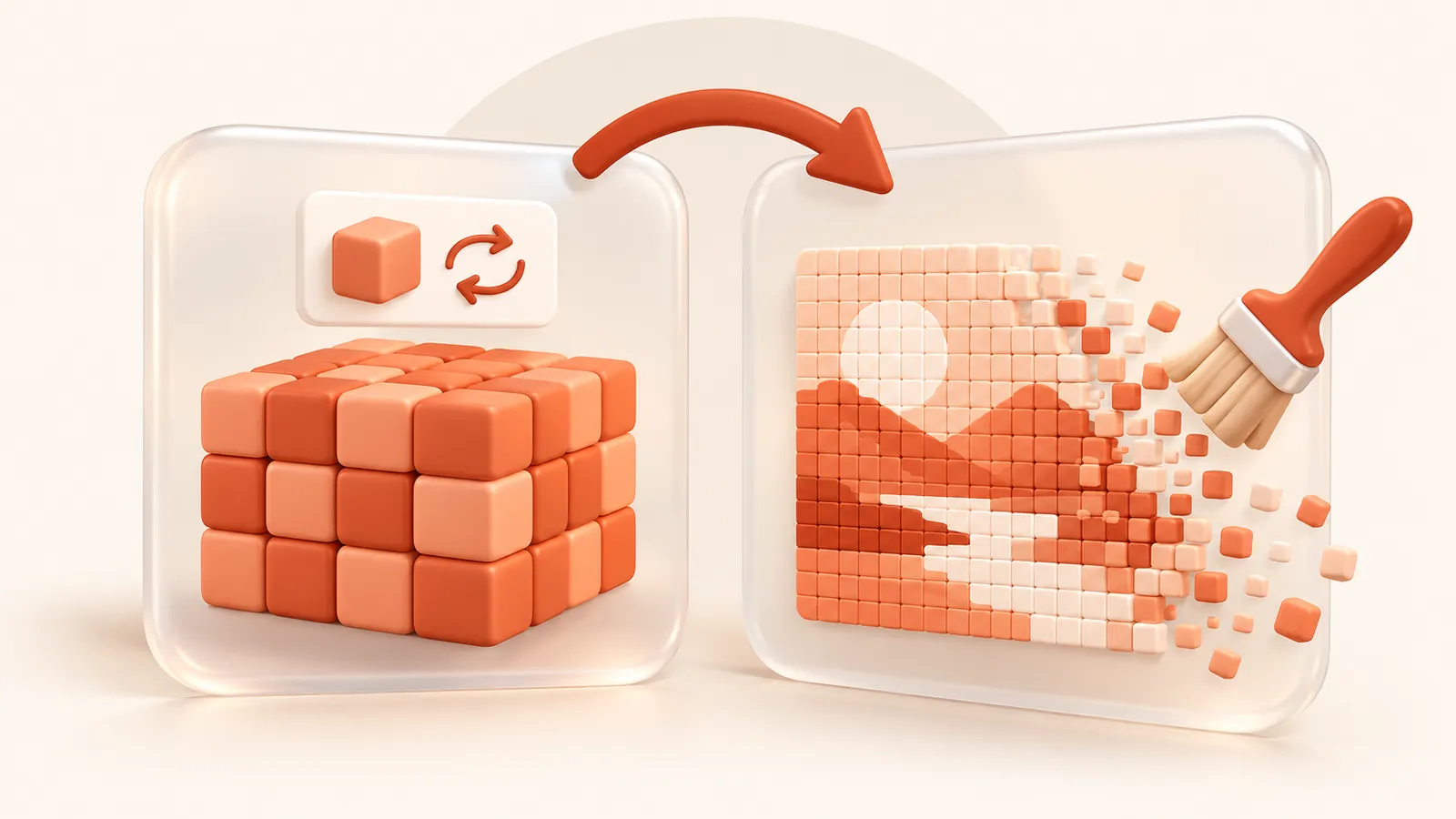
When high-resolution photos or 4K screenshots are inserted into a presentation, the original raw pixels are stored in full within the file, even if the picture is displayed in a tiny box on a single slide. Storing millions of unseen pixels is the primary reason documents become too large to email or upload.
2. The two branches of compression theory
File compression relies on two distinct theoretical approaches: lossless optimization and lossy (perceptual) optimization.
A. Lossless structural reduction
Lossless compression eliminates redundant data without altering a single visible pixel or character:
- Asset deduplication: If the same company logo or background image appears across 50 slides, storing it 50 times wastes space. Deduplication identifies identical file hashes and references a single master image.
- Orphan asset pruning: Presentations often retain deleted graphics, unused master layout slides, and legacy cache data. Stripping unreferenced items frees space immediately.
- Font subsetting: PDFs often embed entire font families (thousands of glyphs). Subsetting keeps only the specific characters actually typed in the document.
- Deflate & entropy coding: Compressing structural XML streams and document indexes using standard dictionary-based compression algorithms.
B. Perceptual and geometric downsampling
While text and vector graphics should always remain lossless, high-resolution photographs benefit from perceptual downsampling:
- Targeted resolution (DPI matching): The human eye and digital displays can only resolve a certain pixel density. Aligning image resolution to its physical bounding box at a standard target (such as 120–150 DPI for screens or 220 DPI for print) discards pixels that no viewer could ever perceive.
- Format efficiency: Encoding photographic scenes as optimized JPEG while preserving crisp vector lines and transparent backgrounds as PNG.
3. Why standard ZIP utilities fail on documents
A frequent question in compression theory is why creating a .zip archive of a .pptx or .pdf file barely reduces its size. Modern document formats are already compressed containers. Generic compression algorithms look for repeating byte sequences across raw binary streams. Because embedded images are already compressed, generic compressors cannot reduce them further without understanding the internal document geometry.
Effective document compression must be format-aware: it unpacks the internal structure, computes the true layout geometry of every visual element, and optimizes media before reassembling the document container.
4. The golden rules of document optimization
- Never compress text, vector outlines, or layout instructions (they are already tiny and infinitely scalable).
- Resize images based on their physical render size, not a blind global resolution.
- Store shared assets once and prune orphaned elements.
- Always verify the result: if an optimized file is not smaller than the original, retain the original.
Questions
How does file compression reduce file size without losing quality?
By eliminating invisible and redundant data: sizing embedded photos to the exact dimensions they occupy on screen, removing duplicate images across slides, and pruning unused font tables and metadata.
What is the difference between lossless and lossy compression?
Lossless compression removes structural redundancy without changing any visible data. Lossy (perceptual) compression reduces excess pixel density in photos to match human vision and display limits.
Why doesn't a ZIP archive reduce PDF or PowerPoint files?
Modern PDFs and PPTX files are already compressed containers full of JPEG or PNG graphics. Standard ZIP utilities cannot recompress pre-compressed media without understanding document layouts.
Does file size reduction affect formatting or animations?
No. Document-aware compression only optimizes the embedded media and structural streams. Text, vector drawings, slide transitions, presenter notes, and formatting remain identical.
Is it free?
Yes. There is no account, no watermark and no sign up.
What happens to my files?
They are processed on our server and deleted within 60 minutes, along with the compressed copy. We do not look at them, keep them, or use them for anything else. Your original on your own computer is never changed; you download a new file.
How large a file can I upload?
Up to 30 MB free / 95 MB paid per file.
Will the file ever get bigger?
No. If the compressed result would not be smaller, you are told and you simply keep your original.