 PPTCompress
PDF image size, explained
An image inside a PDF has a pixel size, such as 4000 by 3000, and a placement size on the page, such as 3 by 2 inches. Divide one by the other and you get its effective resolution, in dots per inch (DPI). That 4000 pixel photo shown 3 inches wide is about 1333 DPI, far more than any screen or office printer can use.
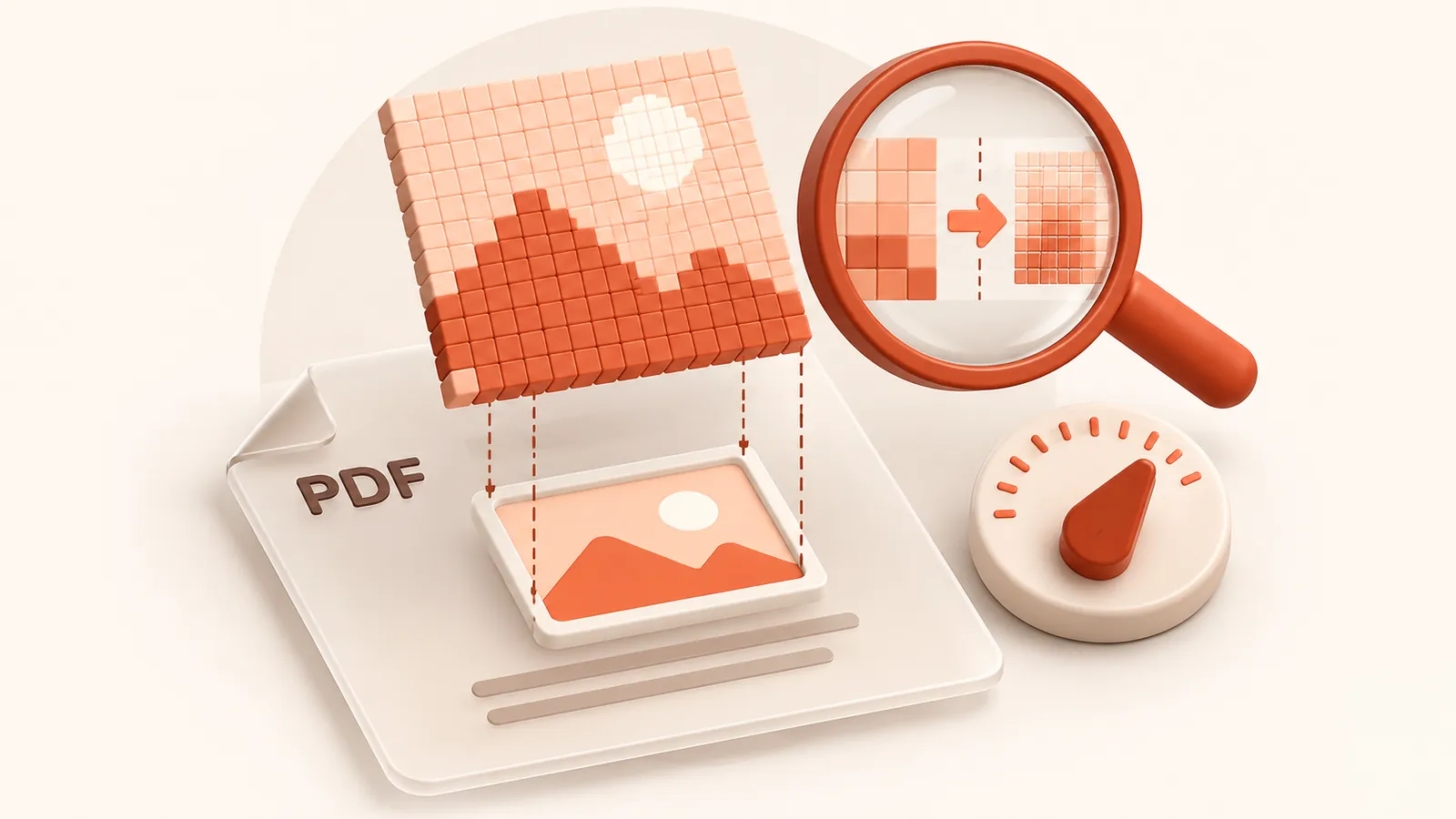
PPTCompress calculates this for every image, then resizes each one down to the DPI you pick. Images already at or below that resolution are left as they are.
Choosing a DPI
| DPI | Use |
|---|---|
| 96 to 120 | Read on screen only, sent by email |
| 150 | A good default. Sharp on laptops and projectors |
| 200 to 220 | Office printing |
| 300 | Professional printing, or a high quality archive copy |
Control over individual images
After the analysis, open the list of images to see each one's current size, its effective DPI and what it will become. Click any image to compare before and after. Untick an image to keep it exactly as it is, which is useful for signatures, QR codes or detailed diagrams.
Each image is saved as JPEG or PNG, whichever comes out smaller, and transparency is kept where an image uses it.
Questions
How do I change the DPI of images in a PDF?
Upload the PDF, open Advanced, set the resolution slider to the DPI you want, then Re-analyse and Compress. Every image above that DPI is resized to it.
Will it make small images bigger?
No. Images are only ever reduced. Anything already at or below your chosen DPI is left alone.
What is a good DPI for a PDF?
150 DPI for documents read on screen, 200 to 220 for office printing, 300 for professional print.
Is it free?
Yes. There is no account, no watermark and no sign up.
What happens to my files?
They are processed on our server and deleted within 60 minutes, along with the compressed copy. We do not look at them, keep them, or use them for anything else. Your original on your own computer is never changed; you download a new file.
How large a file can I upload?
Up to 30 MB free / 95 MB paid per file.
Will the file ever get bigger?
No. If the compressed result would not be smaller, you are told and you simply keep your original.