 PPTCompress
How to compress a PDF
- Drop your PDF in the box above, or click Choose files.
- Look at the estimate. You see the new size before anything is written, and you can open any image to compare it before and after.
- Pick a preset: Email for the smallest file, Balanced for most uses, Print or Archive if it will be printed.
- Click Compress, then Download.
Why it keeps quality better
For every image, PPTCompress reads where it is placed on the page and how big that placement is, then works out the effective resolution. A photo that fills a page and a logo in the corner are treated differently, because they need different numbers of pixels.
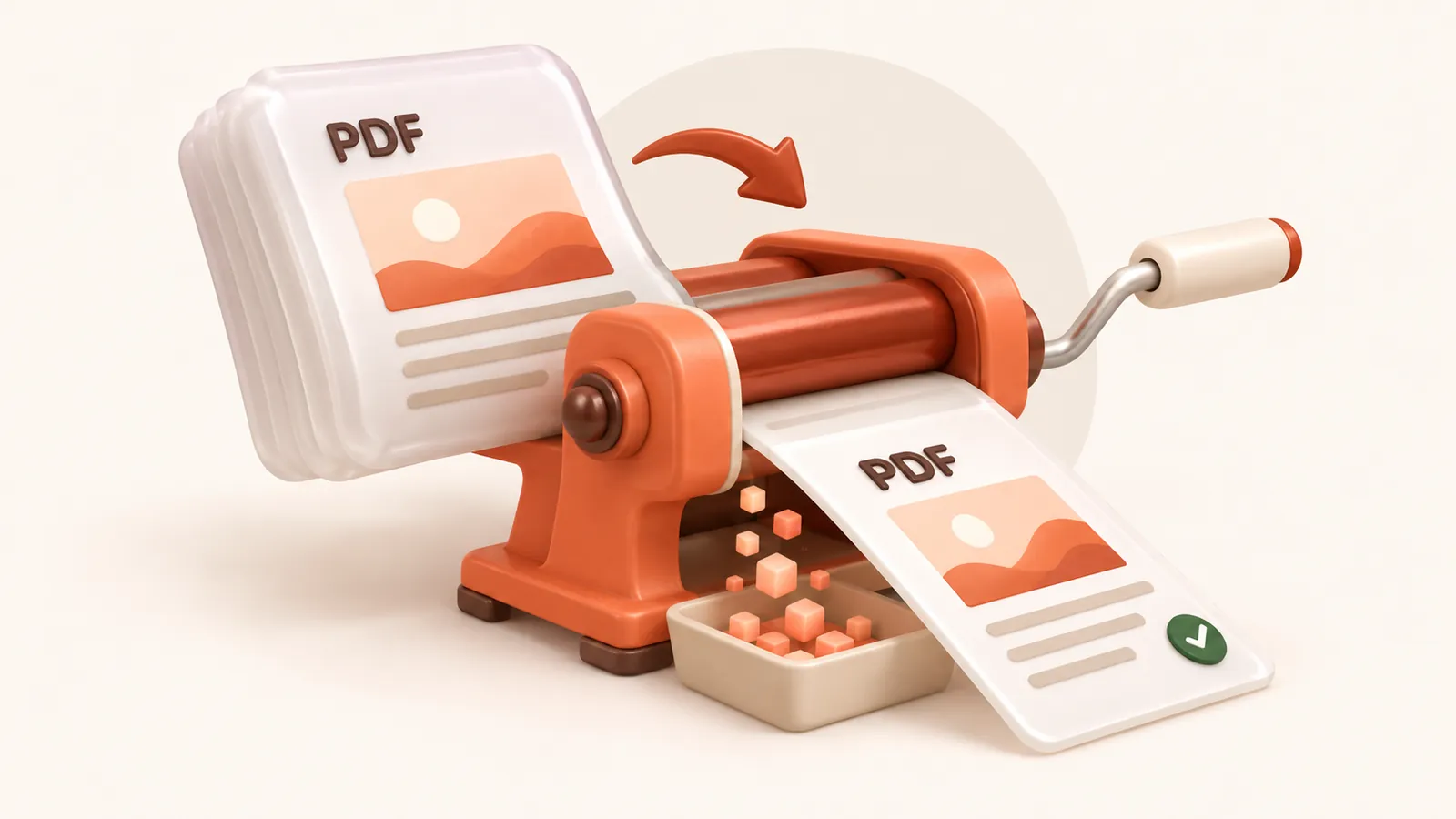
Text and vector drawings in your PDF are not turned into images, so they stay perfectly crisp at any zoom. Only embedded pictures are recompressed.
| Preset | Image resolution | JPEG quality | Good for |
|---|---|---|---|
| 120 DPI | 72 | Attachments, sharing, viewing on screen | |
| Balanced | 150 DPI | 80 | Most files. Sharp on any laptop or projector |
| 220 DPI | 88 | Office printing and handouts | |
| Archive | 300 DPI | 92 | Keeping a high quality master that is still smaller |
Resolution and quality can also be set by hand under Advanced.
What gets smaller, and what does not
PDFs made from scans, photos, screenshots or slide exports usually shrink a lot, because they are mostly images. A PDF that is almost all text is already small and has little to remove; in that case you will be told it cannot be made smaller and you keep the original.
Questions
Does compressing a PDF reduce quality?
Only for embedded images, and only down to the resolution you choose. Text and vector graphics are untouched. At the Balanced preset, images stay sharp on any normal screen.
Can I compress a scanned PDF?
Yes. Scanned pages are images, which is exactly what this shrinks. Choose Balanced or Print if the scan needs to stay readable when printed.
Does it change my text or make it unsearchable?
No. Text stays as text, so it stays selectable and searchable.
Is it free?
Yes. There is no account, no watermark and no sign up.
What happens to my files?
They are processed on our server and deleted within 60 minutes, along with the compressed copy. We do not look at them, keep them, or use them for anything else. Your original on your own computer is never changed; you download a new file.
How large a file can I upload?
Up to 30 MB free / 95 MB paid per file.
Will the file ever get bigger?
No. If the compressed result would not be smaller, you are told and you simply keep your original.