 PPTCompress
1. Measure each image's real placement
In a PowerPoint file, every picture sits in a box measured in EMU, 914,400 to the inch. PPTCompress reads that box, then corrects for cropping and for any group the picture sits in, which can scale it. In a PDF it reads the rectangle each image is drawn into, measured in points, 72 to the inch.
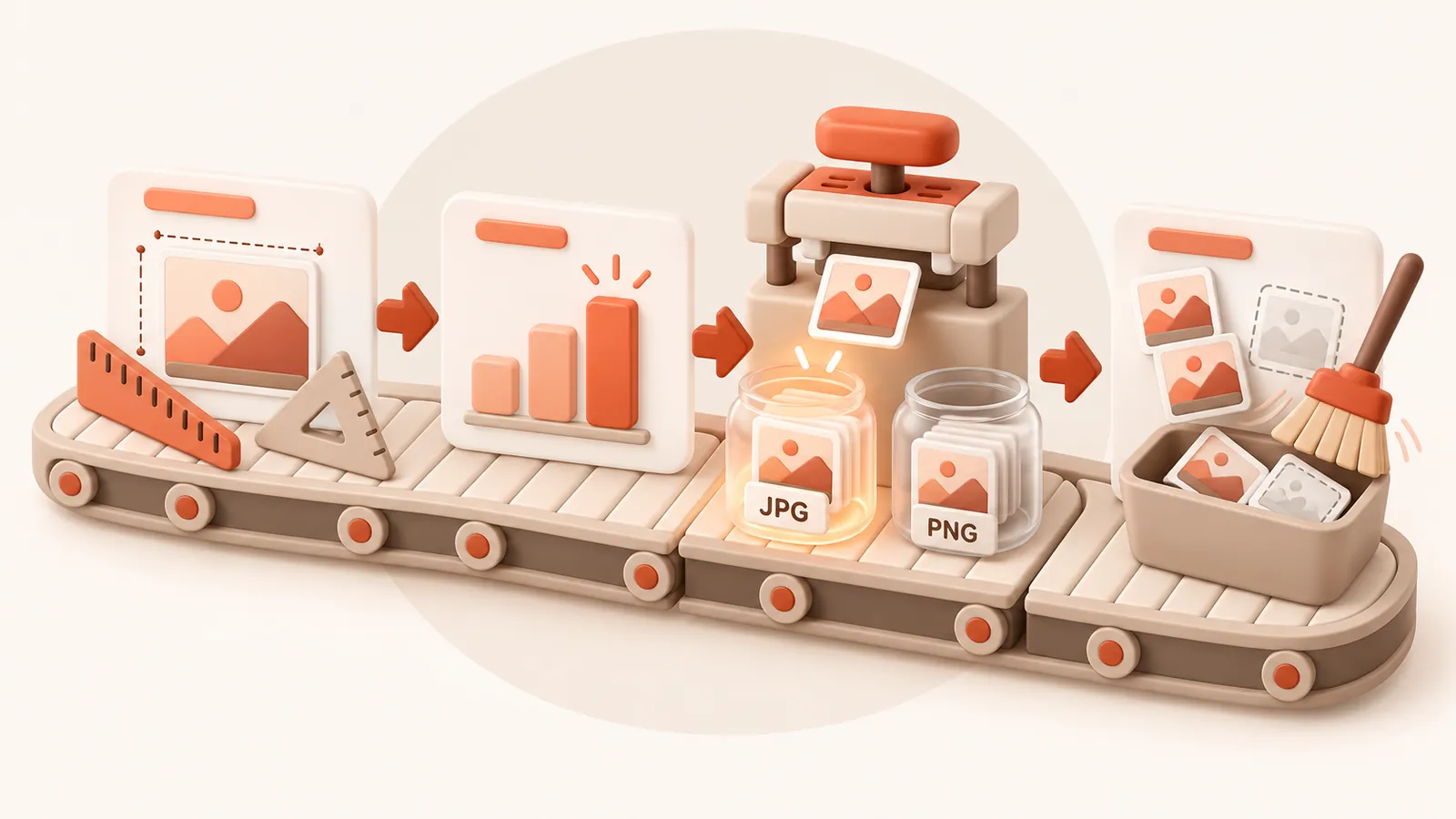
From that it gets the effective resolution: pixel width divided by displayed width in inches.
2. Take the largest need
If an image is used in several places, it is sized for the largest of them. One placement can never make another look worse.
3. Resize and pick the smaller format
Images above your chosen DPI are resized down to it. Each is then encoded as JPEG and as PNG (and WebP if you allow it), and the smaller version is kept. Transparency is preserved. Images already at or below your DPI are not resized.
4. Clean up
- Byte for byte identical images are stored once.
- Images a PowerPoint file carries but never shows are removed. Pictures referenced in less obvious ways, such as fallbacks for SVG graphics, are recognised and kept.
- In PDFs, embedded fonts are reduced to the characters used, and the file is rewritten compactly.
5. Never worse than before
The result is checked before you get it. If it is not smaller, you are told and you keep the original. Text, vector shapes, animations and notes are not altered.
Privacy
Files are processed on our server and deleted, with their compressed copies, within 60 minutes. Free use needs no account. Paid accounts retain email, purchases and usage balances. See the privacy page.