 PPTCompress
Fastest way to shrink a deck
Upload it above and pick Email if it just needs to be sent, or Balanced if you will present from it. The estimate shows the new size before anything is written, so there is no guessing.
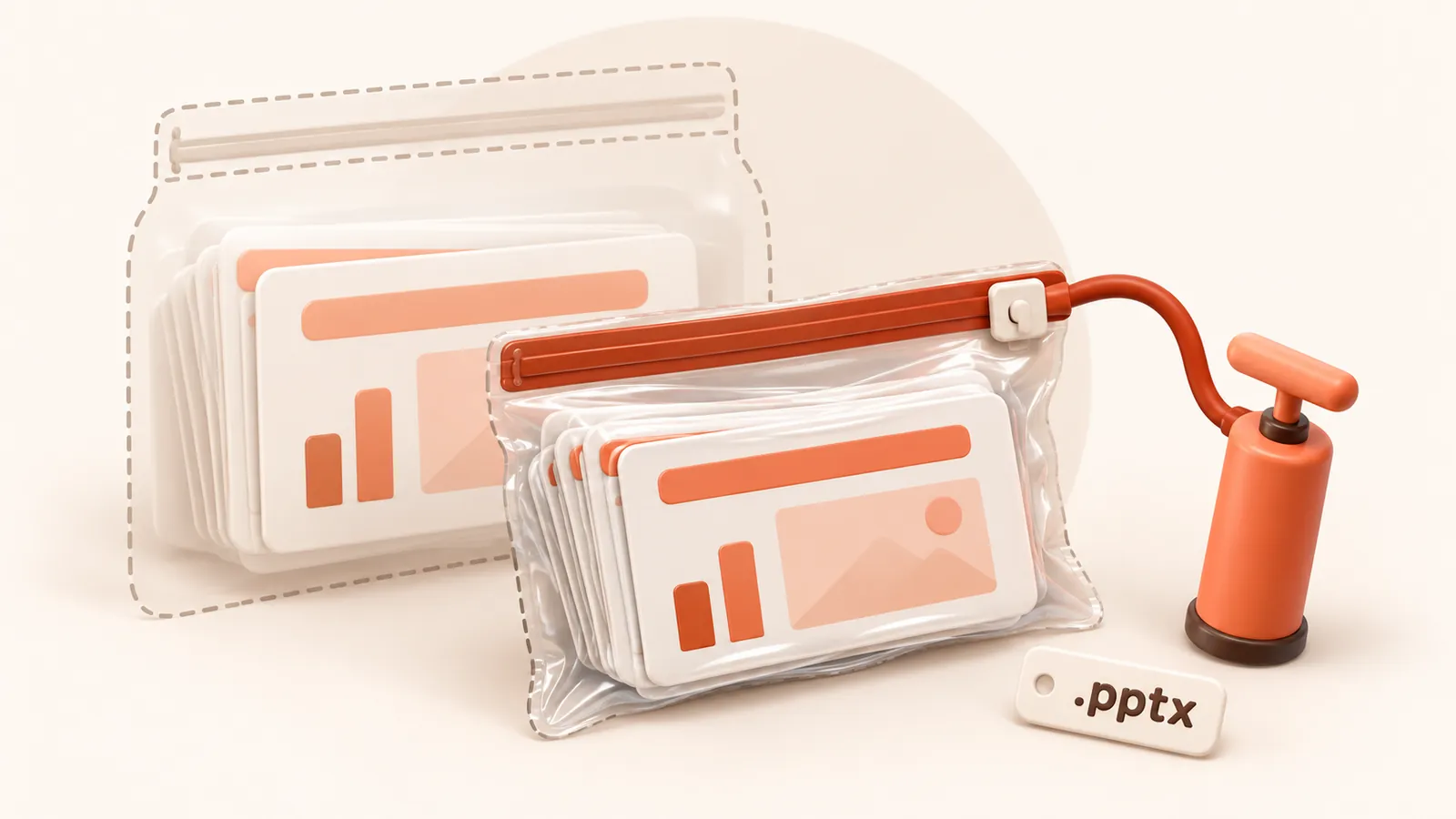
How to reduce PPT file size in four steps
- Drop your
.pptxor old.pptfile into the box above. - Choose Email for the smallest file, or Balanced if you will present from it.
- Check the estimated new size, and preview any picture before and after.
- Compress and download. Your original file is not changed.
What you can do inside PowerPoint, and its limits
PowerPoint has a built in Compress Pictures option. It applies one resolution to every picture you select, so you either accept softer full slide photos or keep oversized small ones. It also cannot merge duplicate images or remove media left behind by deleted slides.
PPTCompress picks the right resolution for each picture separately, based on the box it fills, and does the clean up as well.
| Preset | Image resolution | JPEG quality | Good for |
|---|---|---|---|
| 120 DPI | 72 | Attachments, sharing, viewing on screen | |
| Balanced | 150 DPI | 80 | Most files. Sharp on any laptop or projector |
| 220 DPI | 88 | Office printing and handouts | |
| Archive | 300 DPI | 92 | Keeping a high quality master that is still smaller |
Resolution and quality can also be set by hand under Advanced.
Other things that make a deck large
- Embedded video and audio. Not compressed here. Consider linking to the video instead.
- Embedded fonts. If Embed fonts in the file is on, every font adds weight.
- Old versions in one file. Saving with Save As rather than Save after big edits can produce a cleaner file.
Questions
Why is my PowerPoint file so large?
Almost always the pictures. Photos and screenshots are stored at full size even when shown small, and cropping only hides part of them.
Is it safe to upload a confidential deck?
Files are processed and then deleted within 60 minutes, and are never kept or shared. If a deck must never leave your network, do not upload it anywhere, including here.
Is it free?
Yes. There is no account, no watermark and no sign up.
What happens to my files?
They are processed on our server and deleted within 60 minutes, along with the compressed copy. We do not look at them, keep them, or use them for anything else. Your original on your own computer is never changed; you download a new file.
How large a file can I upload?
Up to 30 MB free / 95 MB paid per file.
Will the file ever get bigger?
No. If the compressed result would not be smaller, you are told and you simply keep your original.