 PPTCompress
Why large presentations take forever to open
When you double-click a PowerPoint file, the application must decompress the underlying XML archive and load every embedded graphic into active system RAM and GPU video memory. A 100 MB deck carrying forty unoptimized camera photos can easily consume 1.5 GB to 3.0 GB of memory just to render slide thumbnails.
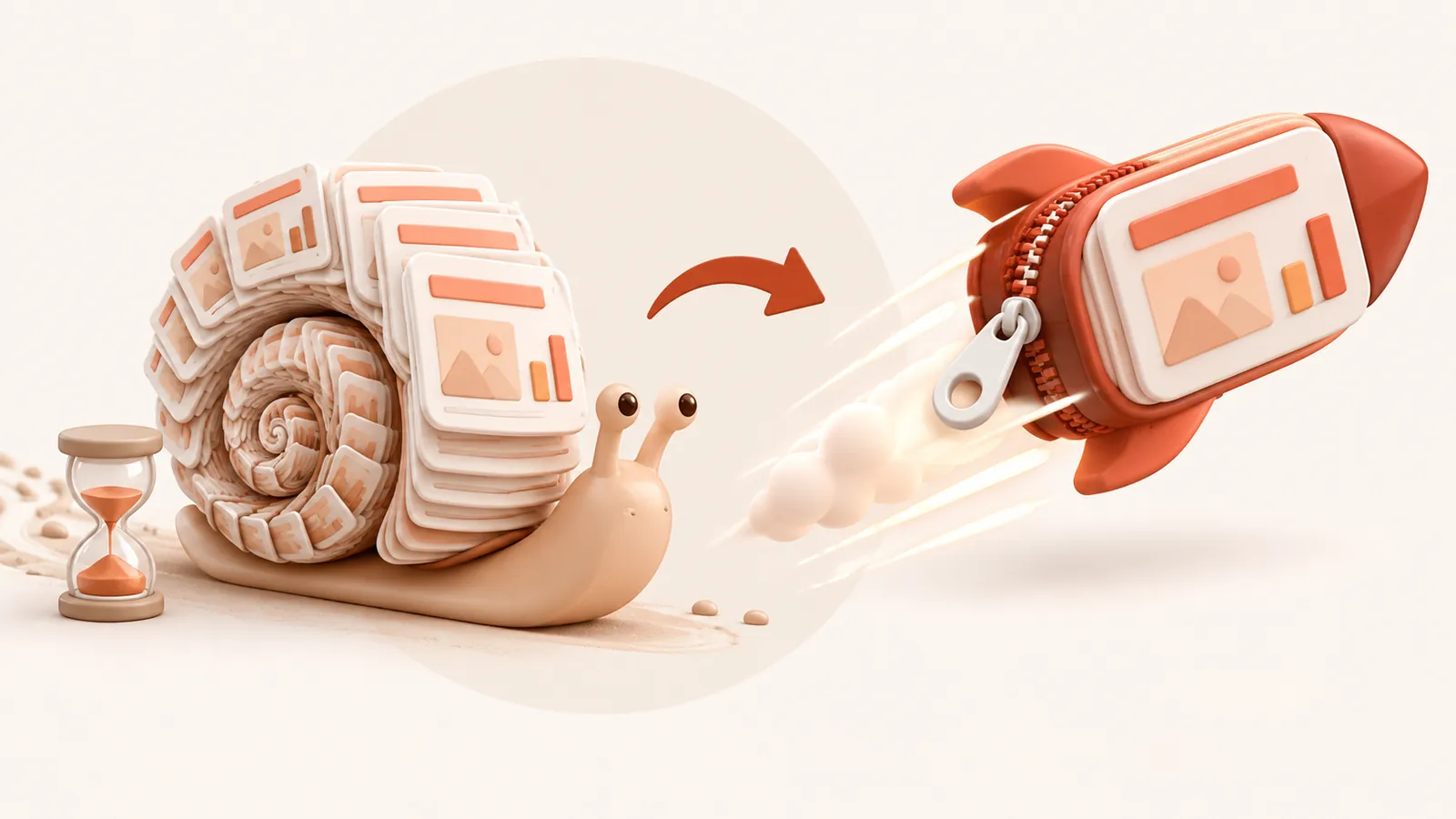
If your computer is also running Microsoft Teams, Zoom, Slack, or multiple browser tabs, this memory spike leads to sluggish opening times, spinning pinwheels, and temporary application freezes.
The hidden causes of presentation lag
- High-megapixel camera photos: Photos taken with modern smartphones (12 MP, 48 MP, or 64 MP) carry millions of pixels that will never be visible on a computer screen.
- Complex image rendering pipelines: PowerPoint struggles when rendering massive transparent PNG files and heavily grouped layers during live transitions.
- Virtual meeting screen-sharing: Screen sharing over Zoom or Teams strains your GPU. When PowerPoint demands high memory bandwidth at the same time, live slide transitions stutter.
How PPTCompress restores instant responsiveness
PPTCompress inspects the exact dimensions each image fills on your slides and resizes it to match your chosen display DPI. By eliminating unnecessary pixels and duplicate media:
- Decks open in milliseconds instead of 30–60 seconds.
- Slide-to-slide transitions run fluidly without dropped frames.
- Live presentations during video calls remain silky smooth.
- File saving and auto-recovery take seconds instead of stalling your workflow.
Troubleshooting checklist for fast presentations
- Compress the deck using the Balanced (150 DPI) preset.
- Avoid keeping duplicate photo assets pasted across multiple slides.
- Remove unused slide master templates that carry background artwork.
Questions
Why does PowerPoint freeze or lag when opening my file?
PowerPoint must decompress all images and layouts into RAM simultaneously upon startup. Oversized images choke system memory, causing long launch delays.
Will compression stop PowerPoint from stuttering during Zoom or Teams calls?
Yes. Drastically lowering the memory and VRAM footprint frees your hardware to handle video streaming and slide rendering effortlessly.
Are my slide animations, audio, or notes altered?
No. Our engine strictly optimizes image resolutions and container packaging. All animations, timings, audio, speaker notes, and text formatting remain 100% untouched.
Is there any quality difference during presentation mode?
No. Sizing images to 150 DPI ensures that on laptops and 4K conference room displays, slides look virtually indistinguishable from the original.
Is it free?
Yes. There is no account, no watermark and no sign up.
What happens to my files?
They are processed on our server and deleted within 60 minutes, along with the compressed copy. We do not look at them, keep them, or use them for anything else. Your original on your own computer is never changed; you download a new file.
How large a file can I upload?
Up to 30 MB free / 95 MB paid per file.
Will the file ever get bigger?
No. If the compressed result would not be smaller, you are told and you simply keep your original.