 PPTCompress
What Cedric AI for Meetings says it does
Cedric is an AI teammate from meet-cedric.com that works in chat tools such as Slack, Telegram and Discord. A new Product Hunt listing, "Cedric AI for Meetings", was launching when we checked on 2 November 2026; an earlier Cedric launch on Product Hunt is dated 15 October 2026. The listing says "He presents your slides, and answers questions using live data from your tools."
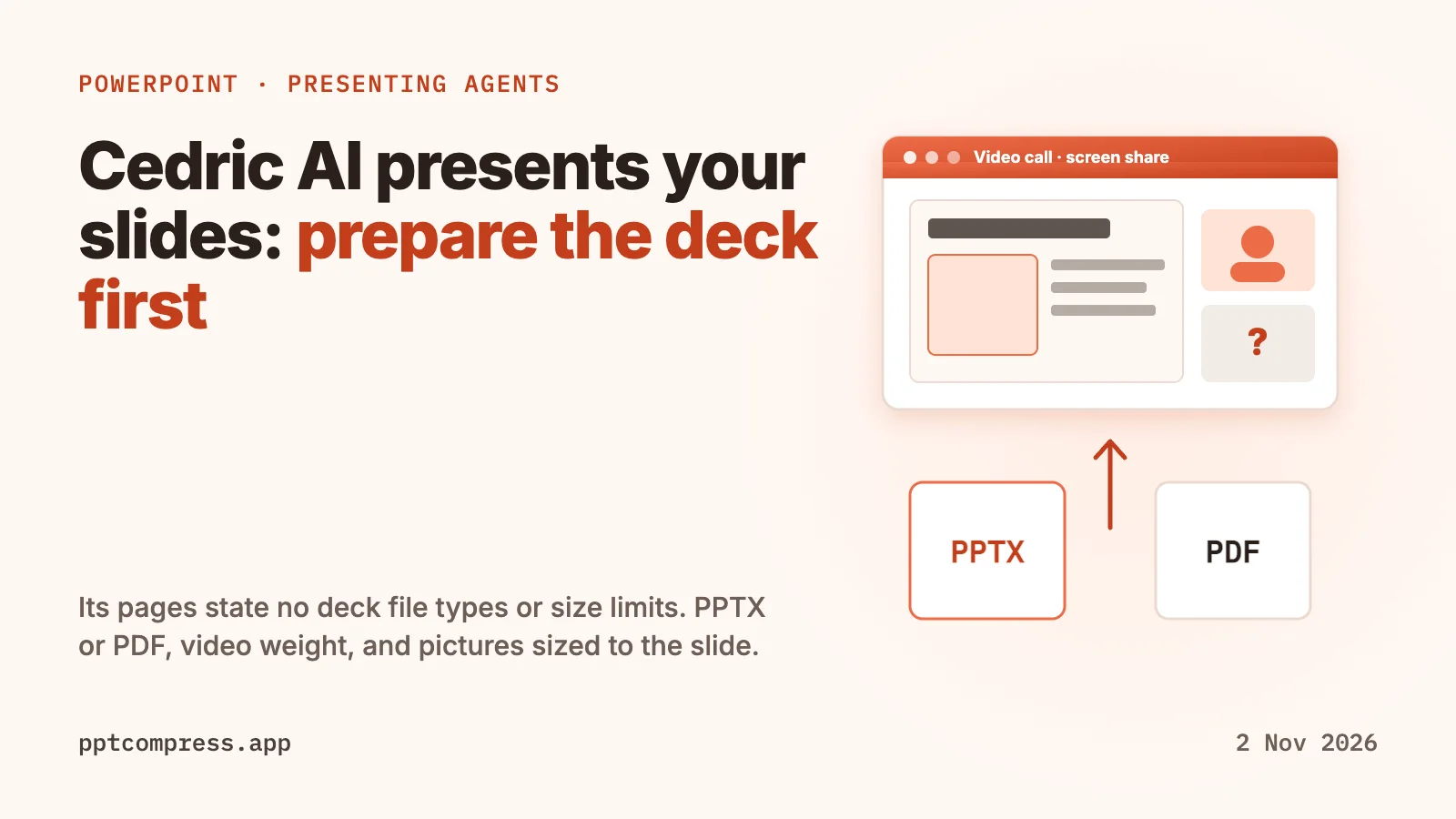
Cedric's meeting assistant page adds the detail. It says "Cedric shares his screen and presents a deck or page, slide by slide", that pages he builds in the workspace can be loaded straight into a call, and that it supports Google Meet, Zoom and Microsoft Teams, with live joining depending on the platform and the connected integration. The docs page on meetings says he joins by call link or by calendar invite.
Which deck formats and size limits Cedric states
None, as of 2 November 2026. We read the Product Hunt listing, Cedric's home page, its AI meeting assistant page, its staff meeting deck page, the docs index, the "Cedric in meetings" doc and the "Connecting your tools" doc. None of them mentions .pptx, .ppt, PDF, Keynote or Google Slides files as an input, and none gives an upload size limit or says what happens to video inside a deck.
What the pages do describe is Cedric building decks himself. The staff meeting deck page says he "builds the deck as a page the room can open", shares it by link, and builds a presentation when you ask for slides. The tools doc lists Notion, Google Sheets, Excel, Google Docs and Google Drive under "Docs and files". If you plan to hand Cedric a deck you made yourself, ask Cedric or its team which file types and sizes it takes before the meeting, and test it on a short call.
PPTX or PDF: what to hand over
A .pptx keeps everything PowerPoint can play: animations, transitions, embedded video and audio, and editable text. A PDF holds one flat page per slide and is the format almost any viewer can open. When a tool does not publish which formats it reads, keep both ready, and check that anything you rely on in the .pptx, such as a video or a build on a slide, also makes sense in the PDF version.
An agent that presents slide by slide does best with simple slides. If a slide only makes its point when a video plays or an animation reveals the last line, that point is lost in a PDF or in any viewer that does not play it.
Where the weight of a deck comes from
In most large decks the bytes are pictures and media, not text. Microsoft's support page on reducing PowerPoint file size recommends compressing pictures with a default resolution of 150 ppi or lower, discarding editing data, embedding only the font characters the presentation uses, and compressing media, which it says can reduce file size significantly.
For video, Microsoft's Compress Media page lists three levels under File, Info, Compress Media: Full HD (1080p), HD (720p) and Standard (480p), the last meant for when space is limited, such as email. The same page says the feature is available in PowerPoint for Windows but not on PowerPoint for Mac or the web, and that embedded subtitles and alternate audio tracks are lost in the process.
Before you hand a deck to Cedric or any upload form
- Check the file size in File Explorer or Finder, and ask the receiving tool for its limit if it does not publish one.
- Compress videos with PowerPoint's Compress Media on Windows, or replace a long clip with a link.
- Shrink the pictures to the size they are shown on the slide.
- Export a PDF copy as a fallback and page through it once.
- Keep the original .pptx. Compression of pictures cannot be undone in the compressed copy.
Where PPTCompress fits
PPTCompress works on the pictures in a .pptx, .ppt or PDF. It measures the box each picture fills on its slide or page, resizes the picture to the pixels that box needs at the resolution you choose, and keeps whichever of JPEG and PNG comes out smaller. Vector pictures and pictures it cannot decode are left alone, and video inside a deck is not compressed, so use Compress Media for that. Uploads are limited to 30 MB free / 95 MB paid. The tool checks each file it writes and hands back the original when the result is broken or larger.
Measured on 21 October 2026 on 10 real decks of 11 to 52 MB, the Email preset made every one 90 to 98% smaller: a 19.9 MB deck became 1.7 MB and a 52 MB deck became 4.0 MB. Image-heavy PDFs shrank 87 to 98%, while PDFs that are mostly text and vector drawings shrank 8 to 61%. The tables are on the PowerPoint page and the PDF page. Your result depends on how much of the file is pictures, and the estimate is shown before anything is written.
Compress a PowerPoint Compress a PDF
Checked on 2 November 2026. Cedric is a product of meet-cedric.com. PowerPoint, Microsoft Teams and Windows are trademarks of Microsoft Corporation. Zoom and Google Meet are trademarks of their owners. PPTCompress is not affiliated with any of them. Spotted something out of date? Write to [email protected] and we will correct it.
Questions
Can Cedric AI present my slides?
Cedric's pages say he joins Zoom, Google Meet and Microsoft Teams calls, shares his screen and presents a deck or page slide by slide. They describe decks Cedric builds himself as web pages; they do not say how to give him a PowerPoint file you made.
What file types does Cedric AI accept for presentations?
Cedric's pages do not say, as of 2 November 2026. None of them mentions .pptx, PDF, Keynote or Google Slides as an input. Its tools doc lists Notion, Google Sheets, Excel, Google Docs and Google Drive.
Does Cedric AI have a file size limit?
No limit is stated on the Product Hunt listing or on Cedric's site and docs as of 2 November 2026. Ask Cedric's team before you rely on a large deck, and keep a smaller copy ready.
Should I give a presenting agent a PPTX or a PDF?
A .pptx keeps animations, video and editable text; a PDF is one flat page per slide that almost any viewer opens. If the tool does not say which it reads, prepare both and make sure each slide still makes sense as a still page.
Does compressing a PowerPoint shrink the videos in it?
PPTCompress does not compress video inside a deck. PowerPoint for Windows can, under File, Info, Compress Media, with Full HD, HD and Standard levels; Microsoft says the feature is not in PowerPoint for Mac or the web.