 PPTCompress
What Google said about JPEG XL
On 15 October 2026 John Mueller of Google wrote on Bluesky that "JPEG-XL is currently not
supported" by Google Images and Google Discover, as Search Engine Roundtable reported on
23 October 2026. Google's image documentation lists the formats Google Search supports in an
img tag: BMP, GIF, JPEG, PNG, WebP, SVG and AVIF. JPEG XL is absent from that list.
Glenn Gabe noted on 23 October that some .jxl files do appear in Google Images, so a few get
indexed, while the documented position stays "not supported".
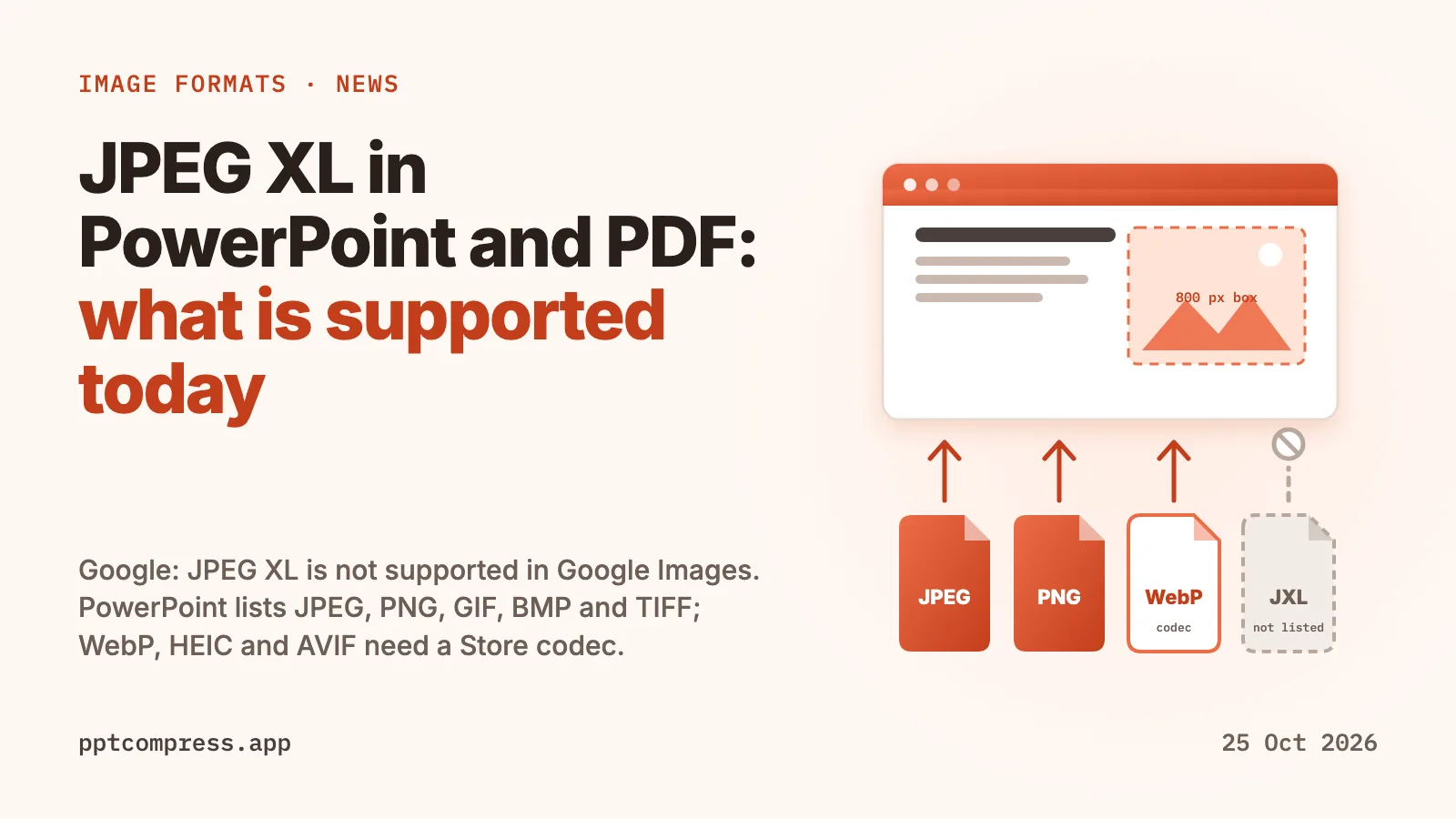
For anyone who builds slides or reports, the web question is the small one. The useful questions are whether PowerPoint opens the picture at all, whether a PDF can hold it, and whether the format changes how big the finished file is.
Which image formats PowerPoint accepts today
Microsoft's page on file formats supported in PowerPoint, opened on 25 October 2026, names seven picture formats on Windows: GIF, JPEG, PNG, TIFF, BMP, Windows Metafile (WMF) and Enhanced Metafile (EMF). The Mac list is the same without the two metafile formats. The page applies to PowerPoint for Microsoft 365 and to the 2016, 2019, 2021 and 2024 releases.
Newer formats need an extra piece. Microsoft's support page on HEIF, AVIF and WebP in Office says that to insert these files you need the matching codec from the Microsoft Store: the HEIF Image Extensions and HEVC Video Extensions for HEIF and HEIC, the AV1 Video Extension for AVIF, and the WebP Image Extensions for WebP. That page covers Word, Excel, PowerPoint and Outlook for Microsoft 365 and the 2016 to 2024 releases, and it describes Windows only. Microsoft first announced WebP in Office files through its Microsoft 365 Insider programme on 9 August 2021.
JPEG XL is a different case. Microsoft publishes a JPEG XL Image Extension in the Microsoft Store for Windows, and as of 25 October 2026 neither of Microsoft's two Office pages above mentions JPEG XL. Until one does, treat a .jxl file as something to convert before it goes into a deck.
| Format | On Microsoft's PowerPoint formats page | Store codec needed, per Microsoft | Google Images, per Google |
|---|---|---|---|
| JPEG | Yes | No | Supported |
| PNG | Yes | No | Supported |
| GIF | Yes | No | Supported |
| BMP | Yes | No | Supported |
| TIFF | Yes | No | Not listed |
| WebP | No | WebP Image Extensions | Supported |
| HEIF / HEIC | No | HEIF Image Extensions and HEVC Video Extensions | Not listed |
| AVIF | No | AV1 Video Extension | Supported |
| JPEG XL | No | Not mentioned for Office | "Currently not supported" |
Which image formats a PDF can hold
A PDF does not store "a PNG" or "a WebP". It stores image samples passed through one of the filters named in the PDF specification. The PDF Association's summary of ISO 32000-2 section 7.4 lists three image-specific filters, JPEG (DCTDecode), JPEG 2000 (JPXDecode) and JBIG2 (JBIG2Decode), plus the general-purpose lossless filters LZW and Flate, the same Deflate algorithm used by zip. The older CCITT fax filter for black and white scans is also part of the specification.
WebP, AVIF and JPEG XL are absent from that list. In June 2023 the PDF Association formed a working group to evaluate new raster formats for PDF and named AVIF and JPEG XL as candidates, so a future revision may add them. Today, when you place a WebP or JPEG XL picture in a document and export to PDF, the exporting program decodes the pixels and writes JPEG or Flate data in their place. The format you started with is gone by the time the PDF exists, and the size of that image is set by its pixel count and the JPEG quality the exporter chose.
Why the pixels matter more than the format
In most large decks and reports the pictures are nearly all of the bytes, and most of the waste is resolution. A photo 4000 pixels wide dropped into a box that is shown 800 pixels wide still carries all 4000 pixels. Changing that photo's codec trims a fraction of its size. Resizing it to the width it is actually shown at removes most of its pixels, and that is where the large savings come from. The per-picture resize is the step PowerPoint's own Compress Pictures command applies with one setting for the whole deck.
There is a second reason to stay with JPEG and PNG in files you send to other people. A deck with WebP pictures depends on the recipient's PowerPoint having the codec Microsoft describes. JPEG and PNG are on Microsoft's list for every PowerPoint version it names, on Windows and on Mac.
What PPTCompress does with each picture
PPTCompress measures the box each picture fills on its slide or page, works out how many pixels that box needs at the resolution you choose (120 to 300 DPI across the presets), and resizes the picture to that. Each picture is then encoded as JPEG and as PNG and the smaller result is kept, with transparency preserved where it is used. Vector pictures such as EMF, WMF and SVG, and any picture it cannot decode, are left exactly as they are. In .pptx files it also stores identical pictures once and removes pictures the deck no longer shows. In PDFs it also trims embedded fonts to the characters actually used.
WebP output exists as an option under Advanced and is off by default, for the codec reason above. Leave it off for decks that go to other people. The tool does not write JPEG XL, AVIF or HEIC.
Measured on 21 October 2026 on real files: ten decks of 11 to 52 MB got 90 to 98% smaller with the Email preset, and a 19.9 MB deck became 1.7 MB. Image-heavy PDFs shrank 87 to 98%, while PDFs that are mostly text and vector drawings shrank 8 to 61%, because there is little image data to remove. The full tables are on the PowerPoint and PDF pages. Your result depends on how much of the file is pictures, and the estimate is shown before anything is written.
What to do with a JPEG XL, WebP or HEIC picture
- For a deck other people will open: convert it to JPEG (photos) or PNG (screenshots and graphics with transparency) before inserting, or insert it with the codec installed and then compress the finished deck so the stored pixels match the slide.
- For a PDF: export as usual, since the exporter re-encodes anyway, then compress the PDF so each picture is resampled to the resolution its box on the page needs.
- For the web: JPEG, PNG, WebP and AVIF are on Google's supported list. JPEG XL is not, as of 25 October 2026.
Compress a PowerPoint Compress a PDF
Checked on 25 October 2026. PowerPoint, Microsoft 365 and Windows are trademarks of Microsoft Corporation; Google Images and Google Discover are trademarks of Google LLC. PPTCompress is not affiliated with either company. Spotted something out of date? Write to [email protected] and we will correct it.
Questions
Does PowerPoint support JPEG XL?
As of 25 October 2026, Microsoft's supported file formats page for PowerPoint lists GIF, JPEG, PNG, TIFF, BMP, WMF and EMF, and its codec page covers HEIF, AVIF and WebP. Neither mentions JPEG XL. Convert .jxl pictures to JPEG or PNG before inserting them.
Can a PDF contain WebP or JPEG XL images?
Not as such. The PDF specification's image filters are JPEG, JPEG 2000 and JBIG2, plus the lossless Flate, LZW and CCITT fax filters. A converter decodes WebP or JPEG XL pixels and stores them with one of those.
Which image format makes a PowerPoint file smaller?
Pixel count sets most of the size. Resizing each picture to the size it is shown at saves far more than changing its codec. After resizing, JPEG for photos and PNG for flat graphics and transparency open in every PowerPoint version Microsoft lists.
Does PPTCompress convert pictures to JPEG XL, AVIF or HEIC?
No. It writes JPEG or PNG, whichever is smaller for each picture, and WebP only if you turn that on under Advanced. It never writes JPEG XL, AVIF or HEIC, and it leaves vector pictures and pictures it cannot decode untouched.
Does the Google Images news affect my slides?
Only if you publish slide images on the web. Google's documentation lists BMP, GIF, JPEG, PNG, WebP, SVG and AVIF, and John Mueller said on 15 October 2026 that JPEG XL is not supported. Inside a deck or PDF, pick JPEG or PNG and size the pictures to their boxes.