 PPTCompress
What Microsoft announced
Derek Johnson of Microsoft announced the Create interactive slide skill on the Microsoft Copilot Blog on 19 October 2026. You select Interactive Slide on the PowerPoint ribbon, or pick Create interactive slide from the Skills picker in Copilot, and describe the slide you want. Copilot can draw on the content already in the presentation or on other files, such as an Excel workbook or a Word document. The post names dashboards built from a snapshot of your data, timelines, process flows and side by side comparisons as typical uses.
According to the same post, rollout is under way for PowerPoint for Windows and Mac on Current Channel and Monthly Enterprise Channel, and for PowerPoint for the web, and Microsoft expects it to complete by the end of October 2026. Microsoft's support page adds that the rollout started in mid October 2026 and that people on Frontier, the Microsoft 365 Insiders Beta Channel or Current Channel (Preview) could use the skill earlier. Message Center post MC1461152, first published on 24 August 2026 and last updated on 7 October 2026, places the Interactive Slide button on the Home and Insert tabs.
The support page also sets two working rules. You change an interactive slide by sending Copilot a new prompt, because the slide cannot be edited directly on the canvas. And Copilot generates the layout, content and behaviour, so Microsoft asks you to review and verify the information before you present or share it.
Who can create one: two Microsoft pages word it differently
Message Center post MC1461152 says a Copilot license is required. The support page says interactive slides are available to eligible consumer and commercial users who already have access to Copilot in PowerPoint, including Microsoft 365 Copilot Basic and Premium, and that there is no separate license for interactive slides. If your organisation's plan matters here, check with your Microsoft 365 admin.
Both pages agree on two points. Neither lists admin settings for the feature. And the support page says that anyone you share the presentation with can explore the interactivity without a Copilot license.
Where PowerPoint interactive slides stay interactive
Microsoft's support page lists where the slide can be created, where it can be clicked, and where it turns into a picture. Message Center post MC1461152 gives the same split for iPad, iPhone and Android.
| Where the deck is opened | What happens to an interactive slide, per Microsoft's support page |
|---|---|
| PowerPoint for Windows | Create and update with Copilot; interactive in slide show and presenter view |
| PowerPoint for Mac | Create and update with Copilot; interactive in slide show, not yet in presenter view |
| PowerPoint for the web | Create and update with Copilot; interactive in slide show and presenter view |
| PowerPoint for iPad | Interactive; other content on the slide appears behind the interactive content |
| PowerPoint Live in Microsoft Teams | Each attendee interacts on their own and does not see other people's clicks |
| Microsoft Copilot app | Create, update and interact |
| PowerPoint for iPhone and Android | A non-interactive image of the slide content |
| Printing, and exporting to PDF or other formats | A non-interactive image of the slide content |
Two more details from the support page affect anyone who shares a deck. When a file is opened, each interactive slide goes back to its starting layout from the last time Copilot created or updated it. And the slides are displayed through sandboxed web views that do not connect to other content or services. Microsoft also recommends the latest Current Channel or Monthly Enterprise Channel release on Windows and Mac, and the latest App Store release on iPad, for the best experience. None of the three Microsoft pages describes what an older PowerPoint version shows.
What happens in a PDF export
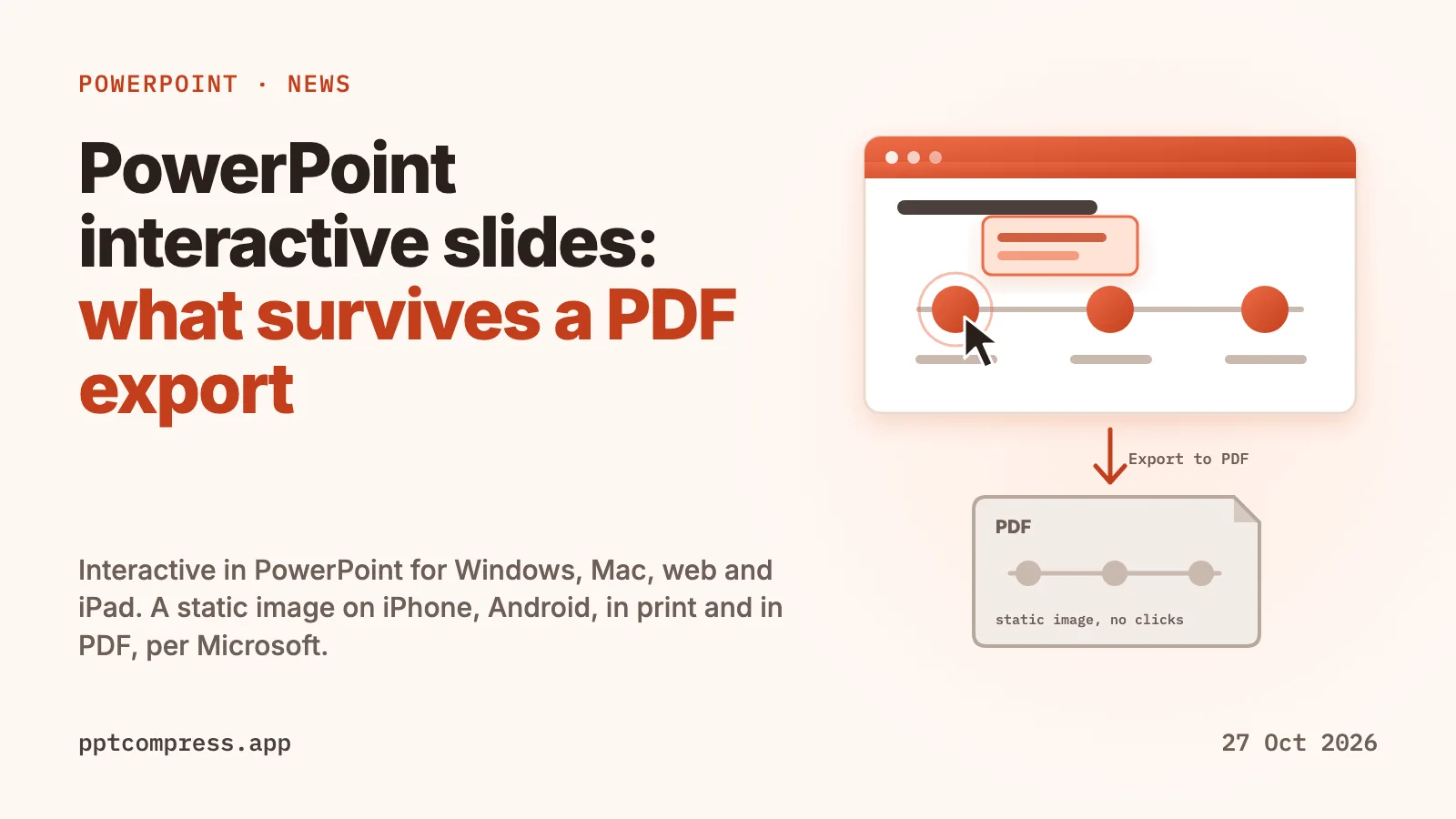
The support page answers this directly: when a presentation with an interactive slide is printed or exported, the interactive slide appears as a non-interactive image of the slide content. The PDF keeps one picture per interactive slide, and the clicks, filters and expanding steps stay behind in the .pptx.
Microsoft does not say which state of the slide that image shows. A detail that only appears after a click may be missing from the PDF, so open the exported file and read the interactive slide's page before you send it.
What interactive slides do to file size
None of the three Microsoft pages cited above says anything about file size, either for the .pptx or for a PDF export. We have not measured a deck that contains an interactive slide, so this page gives no figure. To see the effect on your own deck, save a copy before adding the slide and compare the two sizes in File Explorer or Finder.
The PDF side is easier to reason about. Each interactive slide arrives in the PDF as an image, and in most PDFs images are where the bytes are. A deck with several interactive slides adds several full slide images to the export.
Before you send a deck with interactive slides
- Add a plain slide next to each interactive one with the numbers or steps people must not miss. People on iPhone, on Android, in print or in a PDF see a single static image.
- Export to PDF and read the interactive slide's page before the PDF goes out.
- Check every figure Copilot put on the slide against the workbook or document it came from, as the support page advises.
- In PowerPoint Live in Teams, tell attendees where to click. Each person sees only their own interactions, and Microsoft lists synchronised presenter interaction as a planned improvement.
- Keep the original .pptx. The interactivity lives only there.
Where PPTCompress fits
PPTCompress works on the pictures in a file. It measures the box each picture fills on its slide or page, resizes the picture to the pixels that box needs at the resolution you choose, and keeps whichever of JPEG and PNG comes out smaller. Vector pictures and pictures it cannot decode are left as they are. We have not tested it on a deck that contains an interactive slide, and Microsoft has not documented how such a slide is stored inside the file, so keep your original. The tool checks each file it writes and hands back the original when the result is broken or larger.
A PDF exported from such a deck is a better fit, since the interactive slides are images in it. Measured on 21 October 2026 on real files, image-heavy PDFs shrank 87 to 98% with PPTCompress, while PDFs that are mostly text and vector drawings shrank 8 to 61%. The tables are on the PDF page. Your result depends on how much of the file is pictures, and the estimate is shown before anything is written.
Compress a PowerPoint Compress a PDF
Checked on 27 October 2026. PowerPoint, Microsoft 365, Copilot and Microsoft Teams are trademarks of Microsoft Corporation. PPTCompress is not affiliated with Microsoft. Spotted something out of date? Write to [email protected] and we will correct it.
Questions
Do PowerPoint interactive slides work in a PDF?
No. Microsoft's support page says that when a presentation with an interactive slide is printed or exported, the slide appears as a non-interactive image of its content. Open the PDF and check that page before sending it.
Do interactive slides work on iPhone or Android?
Not as interactive slides. Microsoft's support page and Message Center post MC1461152 both say they appear as a non-interactive image on PowerPoint for iPhone and Android. PowerPoint for iPad keeps them interactive.
Do I need a Copilot license to make interactive slides?
Message Center post MC1461152 says a Copilot license is required. Microsoft's support page says the skill is available to users who already have access to Copilot in PowerPoint, including Microsoft 365 Copilot Basic and Premium, with no separate license. People you share the deck with can use the interactivity without one.
Can I edit an interactive slide without Copilot?
No. According to Microsoft's support page you create and update interactive slides through the Copilot skill by sending a prompt, and you cannot edit them directly on the slide.
Do interactive slides make a PowerPoint file bigger?
Microsoft's pages do not say, as of 27 October 2026. Save a copy before adding the slide and compare the sizes. In a PDF export each interactive slide becomes an image, and images are usually most of a PDF's size.