 PPTCompress
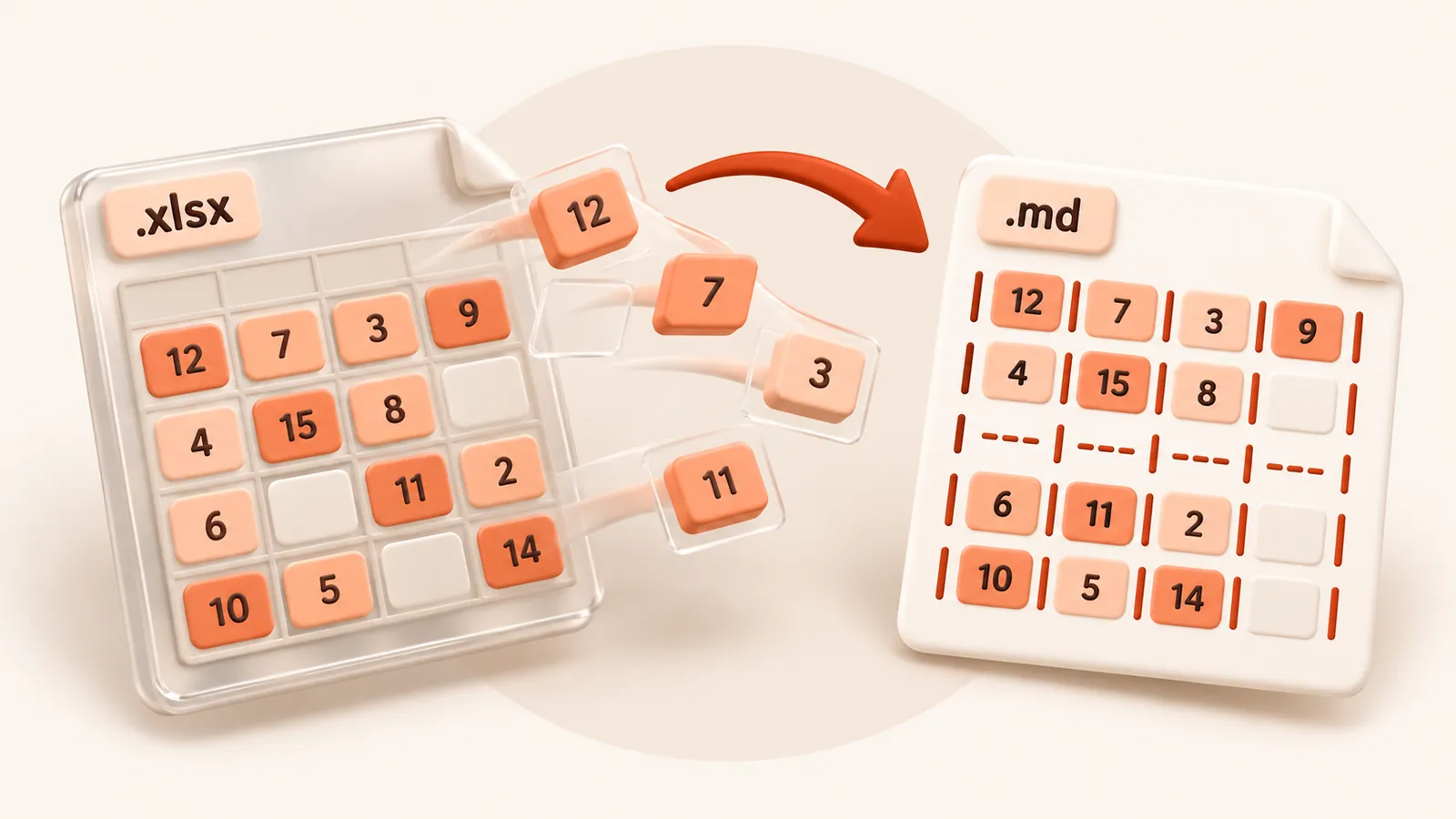
Every sheet, as a table
- Each worksheet gets a
## Sheet: nameheading and one Markdown table - The first row becomes the table header
- Formulas show their last calculated value, the number you see in Excel
- Dates and times are written as dates, such as 2026-10-13, not Excel serial numbers
- Pipes inside cells are escaped so the table does not break
Why paste a table as Markdown
A model reads a Markdown table row by row with its header in view, which works better than copied cells that arrive as a wall of tab-separated text. In docs and READMEs, a Markdown table stays editable and shows changes clearly in version control.
Know the limits
Charts, pictures, cell colours and merged-cell layout are not carried over, and numbers appear
as stored, without currency or thousands formatting. Very wide or long sheets produce very large
tables; Markdown suits summaries and reference tables better than raw data dumps. Have an older
.xls file? Use XLS to Markdown.
What happens to your file
The file is converted on our server and deleted as soon as the Markdown is returned to your browser. We keep no copy of the file or the text. Files up to 30 MB are accepted. See the privacy policy.
Questions
Does XLSX to MD convert all worksheets?
Yes. Every worksheet becomes its own section with a table.
Are formulas kept?
The calculated result is kept, not the formula itself, which is what a reader of the table needs.
Is it free?
Yes. Converting to Markdown is free and needs no account. Files up to 30 MB, with a fair-use limit of 30 files an hour per visitor.
Does it convert scanned documents?
No. The converter reads the text stored in the file. A scan or photo of a page has no text layer, so run OCR on it first.
Are images included?
No. The Markdown contains the text, headings, lists and tables. Pictures, charts and drawings are left out.