 PPTCompress
What you get from a PDF
A PDF stores positioned pieces of text, not paragraphs and headings. The converter reads each page's text blocks in order and rebuilds structure from the clues the file gives:
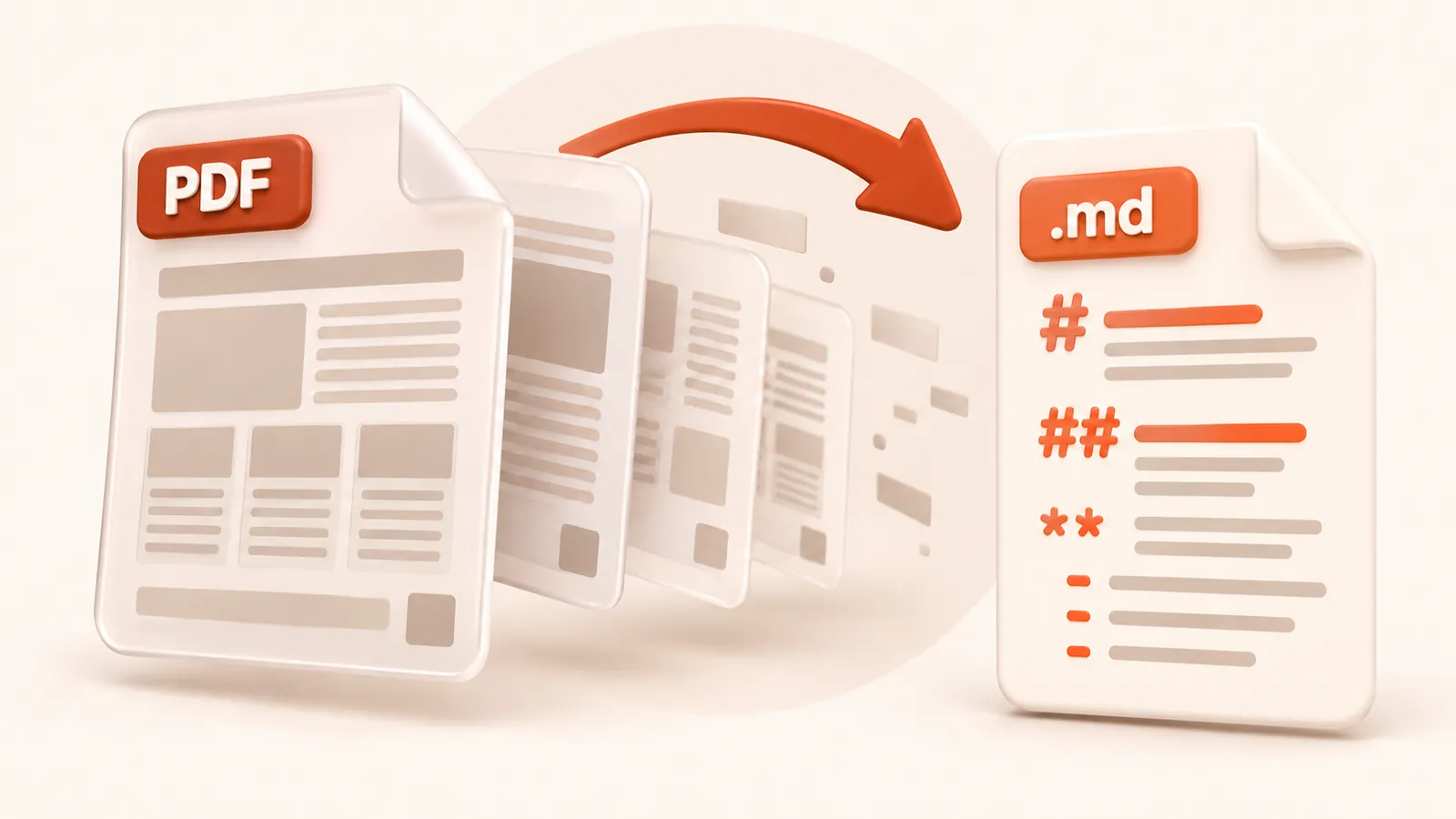
- Larger text becomes Markdown headings, so section titles stand out
- Bold and italic runs keep their
**bold**and*italic*marks - Tables that the page draws as a grid are detected and written as Markdown tables
- Each page starts with a
## Page Nheading, which makes it easy to cite or split
Good for AI and search pipelines
Pasting a PDF into a chat often loses the tables and mixes headers into the text. Markdown keeps the table rows together and marks where each page starts, which helps when you split a long report into chunks for retrieval, or ask a model to quote page numbers.
Know the limits
Scanned PDFs have no text layer, so they come back empty: run OCR first. Pages with several columns, sidebars or floating captions may need a quick tidy, because the reading order follows how the PDF was written. Pictures and charts are not included. If your aim is a smaller PDF rather than its text, compress the PDF instead.
What happens to your file
The file is converted on our server and deleted as soon as the Markdown is returned to your browser. We keep no copy of the file or the text. Files up to 30 MB are accepted. See the privacy policy.
Questions
Does PDF to MD keep tables?
Yes, when the table is drawn as a grid of cells on the page. Tables made only of aligned text without lines may come out as plain text.
Can I convert a password-protected PDF?
Only if it opens without a password. Remove the open password first; the converter cannot unlock files.
Is it free?
Yes. Converting to Markdown is free and needs no account. Files up to 30 MB, with a fair-use limit of 30 files an hour per visitor.
Does it convert scanned documents?
No. The converter reads the text stored in the file. A scan or photo of a page has no text layer, so run OCR on it first.
Are images included?
No. The Markdown contains the text, headings, lists and tables. Pictures, charts and drawings are left out.