 PPTCompress
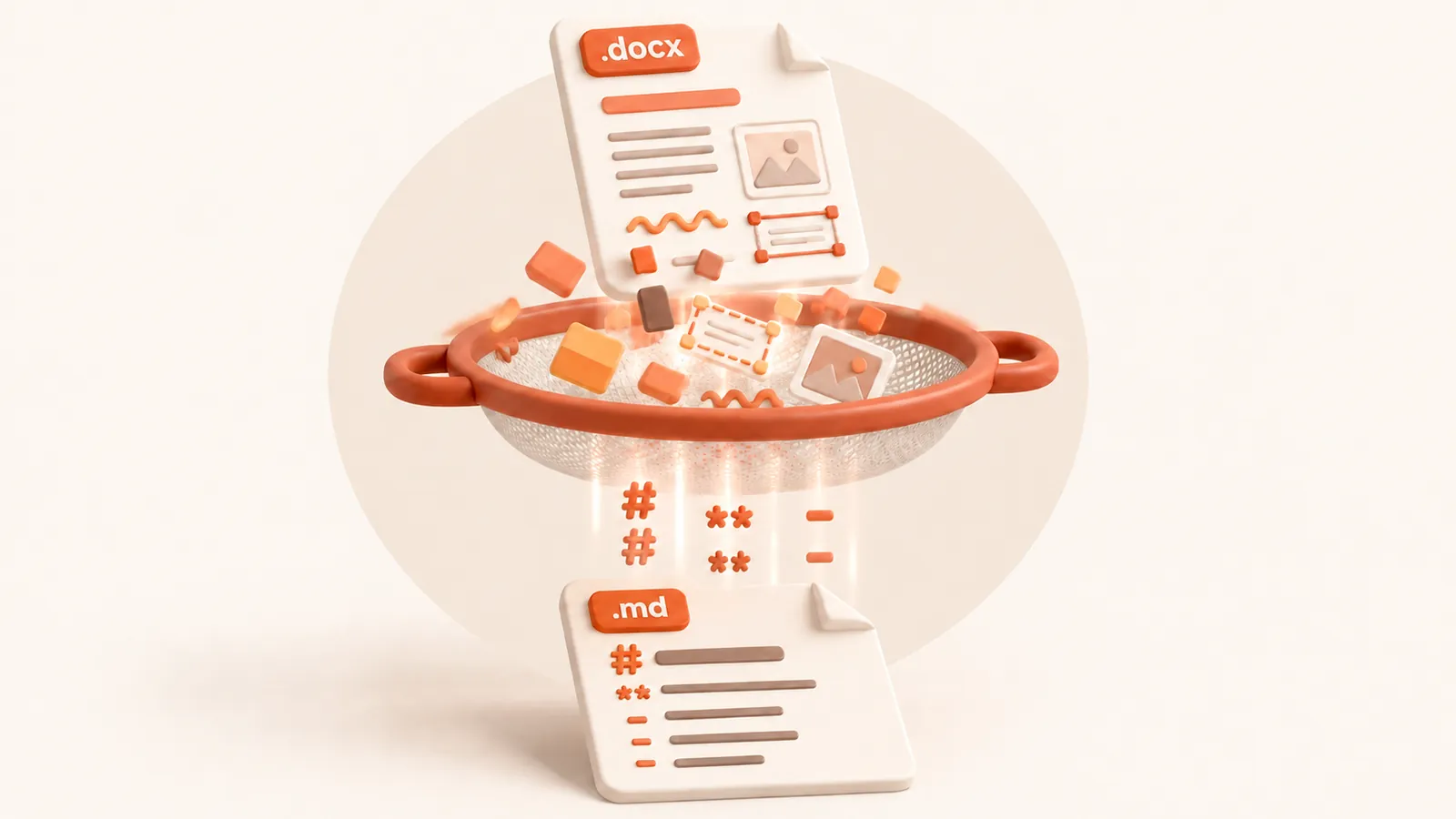
How Word maps to Markdown
- Heading 1, 2, 3 styles become
#,##,### - Bulleted and numbered lists become Markdown list items
- Bold and italic text keep their marks
- Word tables become Markdown tables, one row per line
- Link text is kept in the sentence where it appears
Because Word documents already carry real heading styles, DOCX usually gives the cleanest Markdown of any format. The better the source uses styles instead of manual bold and big fonts, the better the headings come out.
Typical uses
Publishing policies and handbooks to a docs site, moving meeting notes into Obsidian, putting a spec under version control so changes show up as diffs, or giving an AI assistant a document whose headings it can navigate.
What is not carried over
Images, text boxes floating over the page, comments, tracked-change history and footnotes are
not included, and link addresses are not written out, only the link text. Page layout, fonts and
colours are dropped by design. Have an old .doc file? Use
DOC to Markdown.
What happens to your file
The file is converted on our server and deleted as soon as the Markdown is returned to your browser. We keep no copy of the file or the text. Files up to 30 MB are accepted. See the privacy policy.
Questions
Will my Word headings become Markdown headings?
Yes, if they use Word's Heading styles. Text that only looks like a heading because it is bold or large stays a normal paragraph.
Does DOCX to MD work with Google Docs?
Yes. In Google Docs choose File, Download, Microsoft Word (.docx), then convert that file here.
Is it free?
Yes. Converting to Markdown is free and needs no account. Files up to 30 MB, with a fair-use limit of 30 files an hour per visitor.
Does it convert scanned documents?
No. The converter reads the text stored in the file. A scan or photo of a page has no text layer, so run OCR on it first.
Are images included?
No. The Markdown contains the text, headings, lists and tables. Pictures, charts and drawings are left out.