 PPTCompress
A deck, as an outline
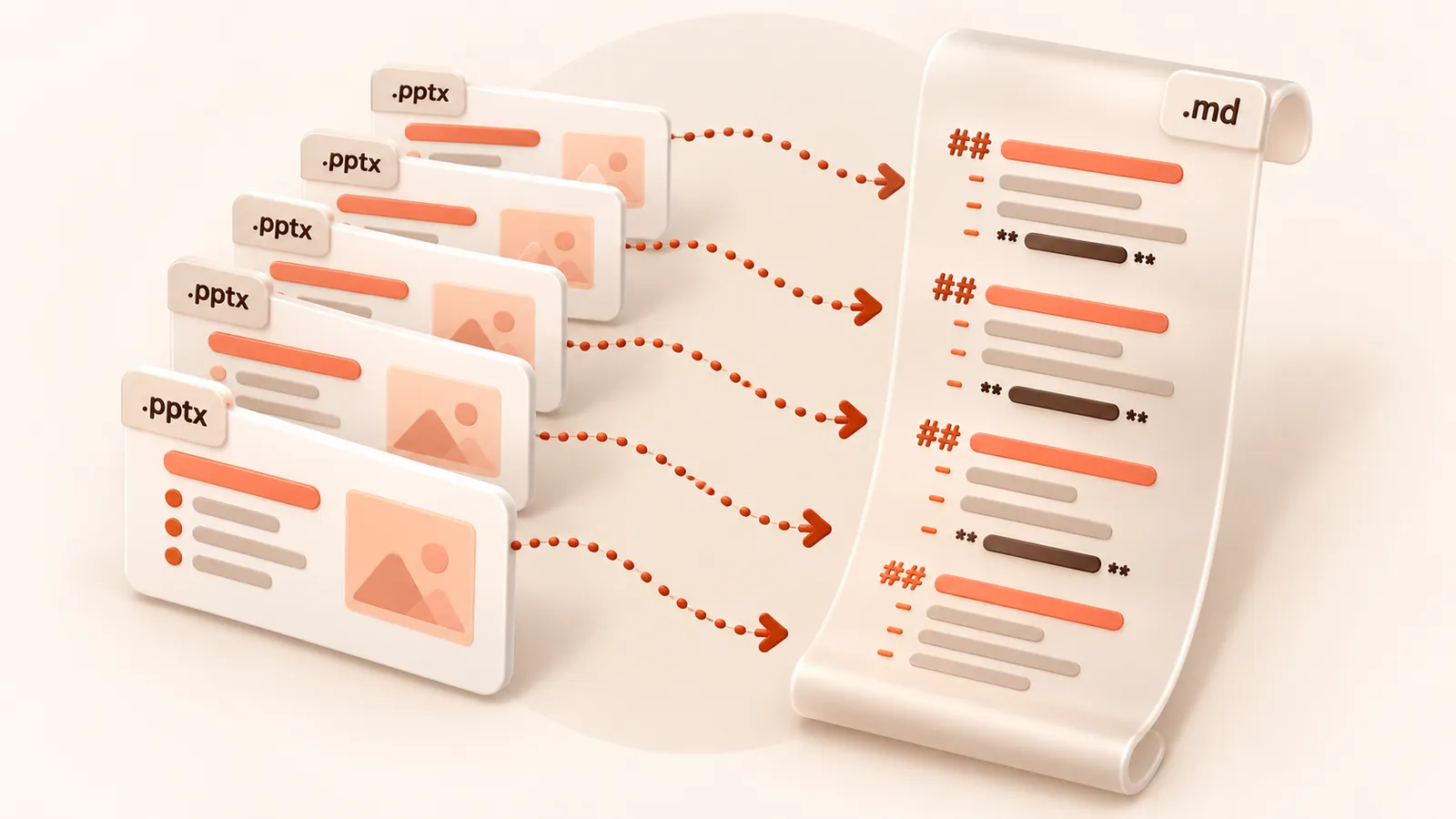
- Each slide becomes
## Slide N: Title - Bullet points keep their indent levels as nested list items
- Tables on slides become Markdown tables
- Speaker notes follow each slide as a quoted block
Speaker notes are often where the real explanation of a deck lives, so keeping them next to the slide text makes the Markdown far more useful than the slides alone.
What people use it for
Asking an AI to summarise or critique a deck, turning a training deck into a handout or a blog post, searching a folder of decks, or reviewing changes between two versions of a presentation in a diff tool.
What is not carried over
Pictures, charts, SmartArt graphics and the slide design are not included. Text inside a chart
or a picture is not extracted. Need the deck itself smaller rather than its text?
Compress the PPTX. Have an older .ppt file? Use
PPT to Markdown.
What happens to your file
The file is converted on our server and deleted as soon as the Markdown is returned to your browser. We keep no copy of the file or the text. Files up to 30 MB are accepted. See the privacy policy.
Questions
Are speaker notes included in PPTX to MD?
Yes. Notes appear under each slide as a quoted block marked Presenter Notes.
Does it work with Keynote or Google Slides?
Export or download the presentation as .pptx first, then convert that file here.
Is it free?
Yes. Converting to Markdown is free and needs no account. Files up to 30 MB, with a fair-use limit of 30 files an hour per visitor.
Does it convert scanned documents?
No. The converter reads the text stored in the file. A scan or photo of a page has no text layer, so run OCR on it first.
Are images included?
No. The Markdown contains the text, headings, lists and tables. Pictures, charts and drawings are left out.