 PPTCompress
Reading old PowerPoint files directly
PowerPoint 97-2003 presentations are binary files. The converter walks the records inside the file and collects the text of each slide, using PowerPoint's own markers to tell a slide's title from its body text. The template text that lives on the slide master, such as "Click to edit Master title style", is skipped so it does not clutter every page of your outline.
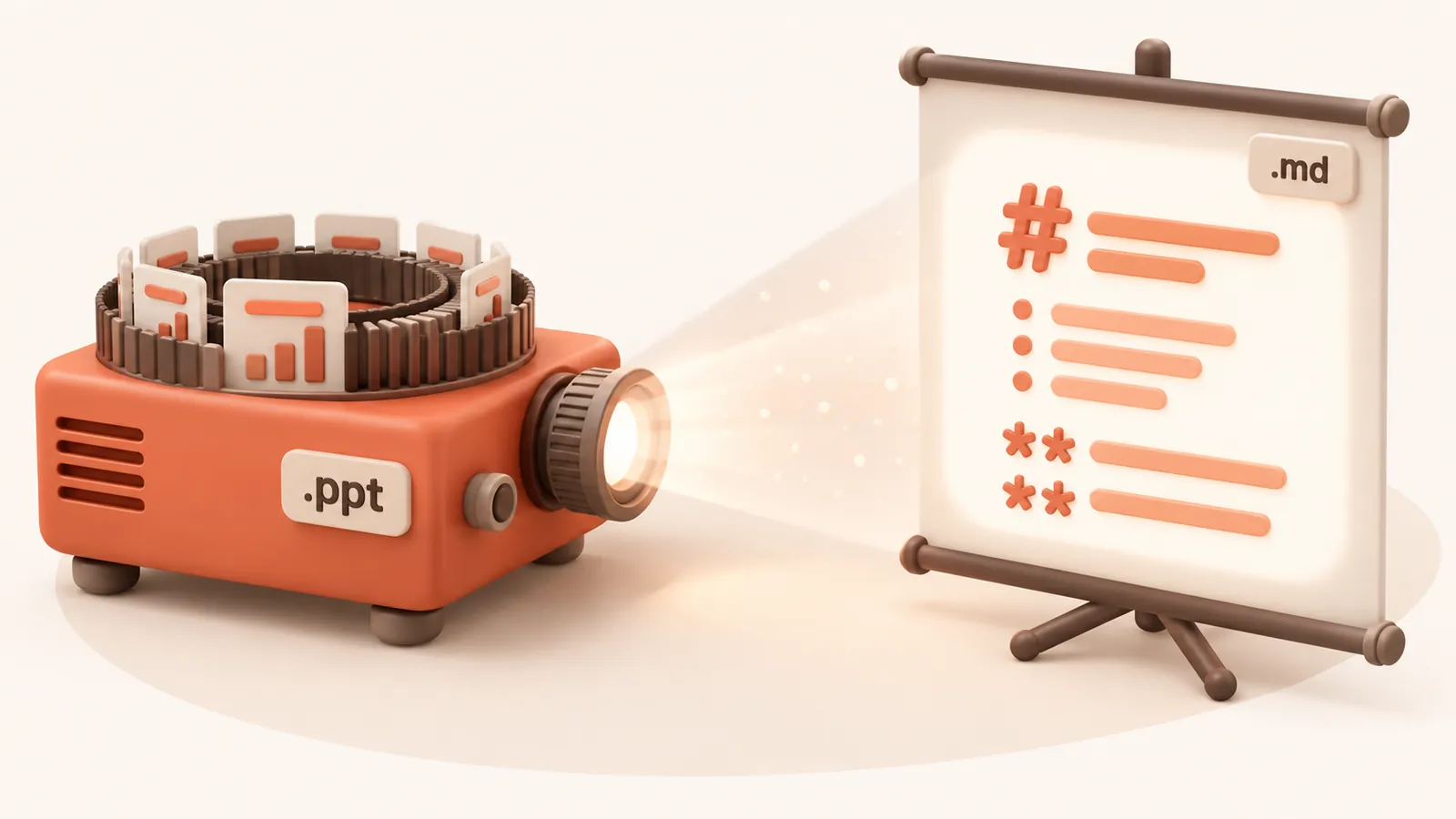
What you get
- Each slide as
## Slide N: Title - Body text and text boxes as list items, in the order they are stored
- Text in any language, including Chinese, Japanese and Korean
Know the limits
Bullet indent levels, tables as tables and speaker notes are only available for
.pptx; in a .ppt the table cells come out as separate lines and notes are
left out. Pictures and charts are not included. For the fullest result, open the deck in PowerPoint,
save it as .pptx and use PPTX to Markdown. To make the
.ppt itself smaller, use compress old PPT.
What happens to your file
The file is converted on our server and deleted as soon as the Markdown is returned to your browser. We keep no copy of the file or the text. Files up to 30 MB are accepted. See the privacy policy.
Questions
Do I need PowerPoint to convert a .ppt file?
No. The file is read on our server and you only need a browser.
Why are speaker notes missing?
Notes are only extracted from .pptx files. Save the deck as .pptx in PowerPoint to include them.
Is it free?
Yes. Converting to Markdown is free and needs no account. Files up to 30 MB, with a fair-use limit of 30 files an hour per visitor.
Does it convert scanned documents?
No. The converter reads the text stored in the file. A scan or photo of a page has no text layer, so run OCR on it first.
Are images included?
No. The Markdown contains the text, headings, lists and tables. Pictures, charts and drawings are left out.